If at any time within one (1) year from the purchase date of this product, it fails to perform properly because of defects in material or manufacturing, return it prepaid to:
E&B GIFTWARE, LLC, 585 Oak Ridge Road, Hazleton, PA 18202
Complete this Guarantee Certificate and enclose it (or a copy of it) with the product. To expedite replacement or repair,
do not return
the defective unit to the store
from which it was purchased but return it directly to SPORTLINE. (PLEASE PRINT CLEARLY)
REPLACEMENT
This product has been carefully designed, manufactured and packaged. If any parts are missing or damaged, please contact us at the address above and we will replace
unit at no charge. (Guarantee does not cover crystal or battery.) By contacting SPORTLINE, Inc. rather than the company from which you purchased this product, we will
be able to more rapidly service your needs.
AFTER WARRANTY
If the warranty period has expired and the unit is returned to Sportline for servicing, enclose $7.50 for postage
and handling. Send your unit insured to our Service Department at the address shown. If you are located outside
the United States either return the unit by insured mail or to the dealer/distributor where purchased.
E&B GIFTWARE, LLC, 585 Oak Ridge Road, Hazleton, PA 18202
THE PROFESSIONAL’S CHOICE
GUARANTEE CERTIFICATE
NAME TEL
ADDRESS
CITY
STATE ZIP
STORE PURCHASED FROM
DATE OF PURCHASE PURCHASE PRICE
PROBLEM WITH PRODUCT
READING THE DISPLAY
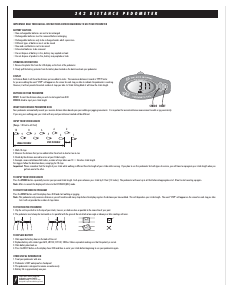
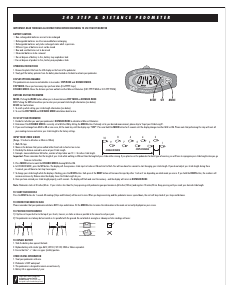
Press the MODE button (E) to cycle through each of the following 5 exercise trip readings.
STEP – Display shows number of steps taken to 99999 steps (excluding irregular movements).
DIST – Display shows distance traveled by 0.001 to 99.999 MILE or to 99.999 KM.
CAL – Display shows calories burned over distance traveled.
CLOCK – Display shows time of day.
TIMER – Display shows time used during current walk/run trip to 100 hours.
PLEASE NOTE: In TOTAL mode (see below) all displays show totals of recorded measuring functions.
ZERO-SETTING THE EXERCISE SETTINGS
1. Press the RESET button (A) for two seconds to reset all trip records to zero. In TOTAL mode, all trip and total records are reset to zero.
2. Stride length (inches or cm) and weight (lbs or kg) as input will be retained in the memory.
USING THE SCANNER FEATURE
1 Press the SCAN button (C) to change to scanning mode that views, in continuous cycle, all 5 exercise displays lasting 3 seconds each.
2. Press the SCAN button (C) again to revert to chosen mode.
USING THE TOTAL MODE
1. When in a chosen exercise-reading mode, press the TOTAL button (D) and the TOTAL from all previous exercise intervals appear. Display shows total records of all measuring functions.
2. Press the TOTAL button (D) again and the display reverts to trip records mode.
NOTE: The TOTAL feature will show the TOTALS from all previous exercise intervals until the RESET button (A) is pressed. The RESET button will clear the memory from previous intervals.
POSITIONING THE PEDOMETER
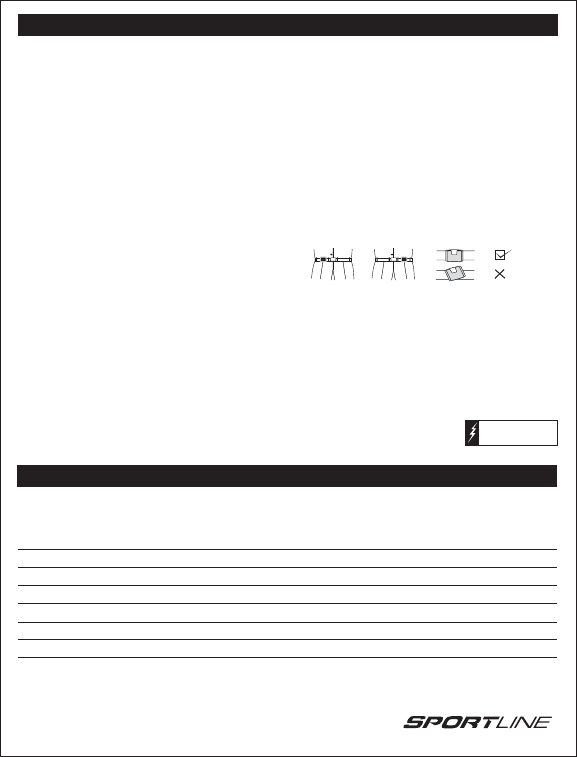
1. Clip the unit to your belt or to the top of your shorts, trousers or slacks as close as possible to the crease line of your pant.
2. The pedometer must remain parallel to the ground when walking or running. Otherwise false readings will occur.
3. The LCD display should be down when exercising.
4. Lift up the LCD display to monitor your progress and then place it back down.
TO START YOUR EXERCISE
1. Press the RESET button (A) for 2 seconds. The display will show zero. All measurement functions will reset to zero.
2. Begin exercising. The unit will keep track of your steps, distance and calories burned.
3. By pressing the
MODE button (E) to switch to other modes to get those readings as well or press the SCAN button (C) to view all readings.
TO RESET YOUR PEDOMETER
Press the RESET button (A) for 2 seconds. The display will show zero.
SENSITIVITY ADJUSTMENT
Everyone’s walking style is different. The pedometer has an automatic Sensitivity Adjuster that compensates for the different walking and jogging styles.
BATTERY REPLACEMENT OTHER INFORMATION
1. Insert a small coin into the slot on the bottom of the body of the unit near the hinge. 1. Treat your pedometer with care.
2. Replace with one type CR2032 button cell battery. 2. Pedometer is NOT waterproof.
3. Be sure to pay attention to the correct polarity. 3. This pedometer is designed to remain on continuously.
4. Put the battery compartment back into place. 4. Battery life is approximately 1 year.
350 TRAINER PEDOMETER Instructions Cont…
Please note: Before using your
pedometer, remove battery
insulation strip. (Insulation strip
designed to preserve battery power)
GUARANTEE CERTIFICATE


Delta i konversationen om denna produkt
Här kan du dela vad du tycker om Sportline 350 Goal Stegräknare. Om du har en fråga, läs först noggrant igenom manualen. Att begära en manual kan göras genom att använda vårt kontaktformulär.