Bruksanvisning Samsung GT-E1360B Mobiltelefon

Behöver du en bruksanvisning för din Samsung GT-E1360B Mobiltelefon? Nedan kan du se och ladda ner PDF-bruksanvisningen gratis på svenska. Den här produkten har för närvarande 16 vanliga frågor, 0 kommentarer och har 0 röster. Om det här inte är bruksanvisningen du vill ha, vänligen kontakta oss.

Är produkten defekt och erbjuder bruksanvisningen ingen lösning? Gå till ett Repair Café för gratis reparationstjänster.

Bruksanvisning

Loading…
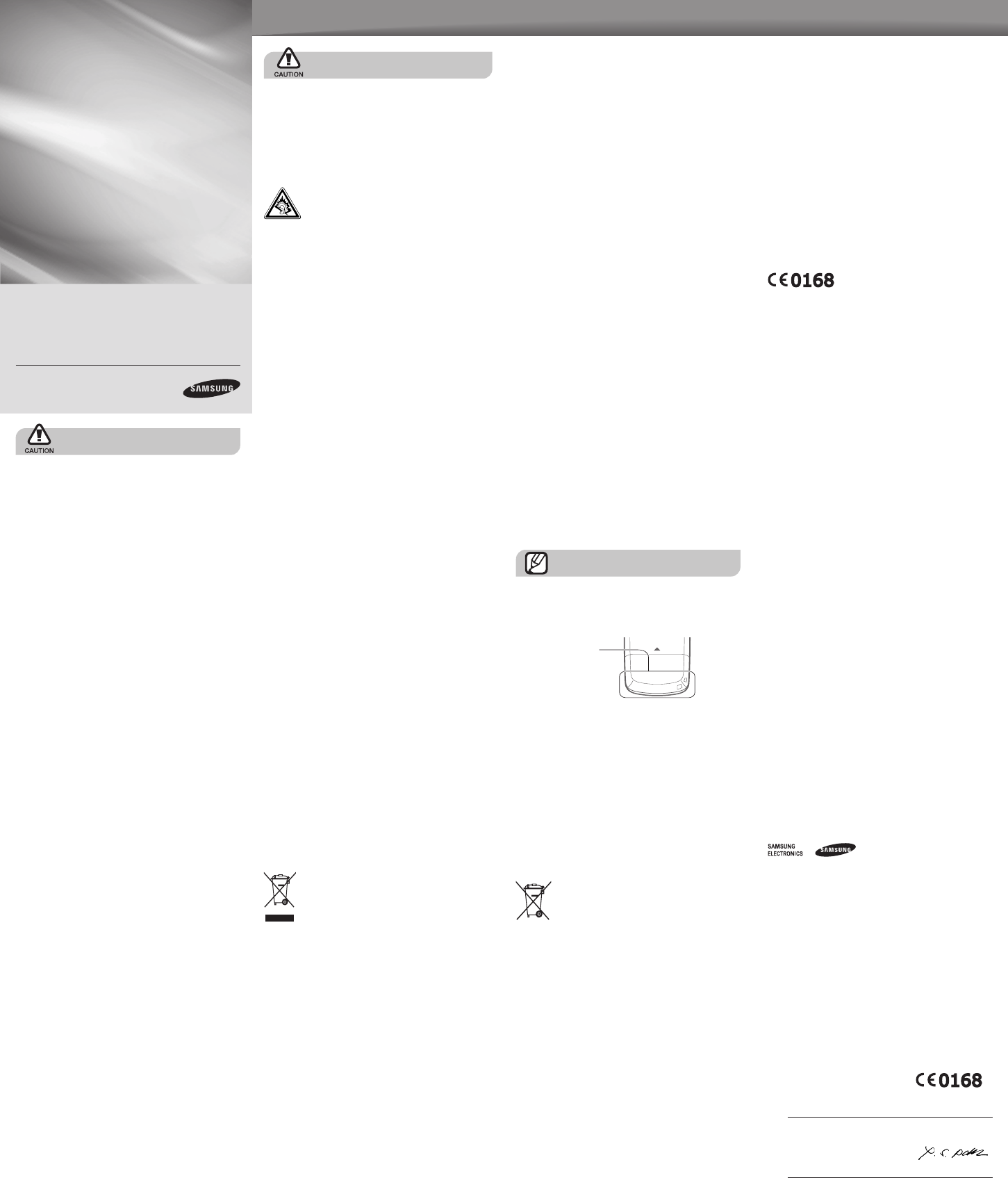
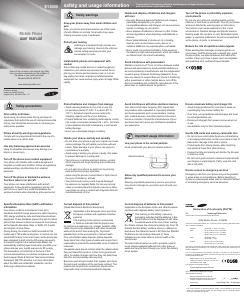
safety and usage information
Comply with the following precautions to avoid dangerous or illegal situations and ensure
peak performance of your mobile phone.
Safety warnings
Keep your phone away from small children and
pets
Keep your phone and all accessories out of the reach
of small children or animals. Small parts may cause
choking or serious injury if swallowed.
Protect your hearing
Listening to a headset at high volumes can
damage your hearing. Use only the minimum
volume setting necessary to hear your
conversation or music.
Install mobile phones and equipment with
caution
Ensure that any mobile phones or related equipment
installed in your vehicle are securely mounted. Avoid
placing your phone and accessories near or in an air
bag deployment area. Improperly installed wireless
equipment can cause serious injury when air bags inate
rapidly.
Safety precautions
Drive safely at all times
Avoid using your phone while driving and obey all
regulations that restrict the use of mobile phones while
driving. Use hands-free accessories to increase your
safety when possible.
Follow all safety warnings and regulations
Comply with any regulations that restrict the use of a
mobile phone in a certain area.
Use only Samsung-approved accessories
Using incompatible accessories may damage your
phone or cause injury.
Turn off the phone near medical equipment
Your phone can interfere with medical equipment in
hospitals or health care facilities. Follow all regulations,
posted warnings, and directions from medical
personnel.
Turn off the phone or disable the wireless
functions when in an aircraft
Your phone can cause interference with aircraft
equipment. Follow all airline regulations and turn off
your phone or switch to a mode that disables the
wireless functions when directed by airline personnel.
Protect batteries and chargers from damage
Avoid exposing batteries to very cold or very hot
temperatures (below 0° C/32° F or above 45° C/
113° F). Extreme temperatures can reduce the
charging capacity and life of your batteries.
Prevent batteries from contacting metal objects, as this
can create a connection between the + and – terminals
of your batteries and lead to temporary or permanent
battery damage.
Never use a damaged charger or battery.
Handle your phone carefully and sensibly
Do not allow your phone to get wet—liquids can cause
serious damage. Do not handle your phone with wet
hands. Water damage to your phone can void your
manufacturer's warranty.
Avoid using or storing your phone in dusty, dirty areas
to prevent damage to moving parts.
Your phone is a complex electronic device—protect
it from impacts and rough handling to avoid serious
damage.
Do not paint your phone, as paint can clog moving
parts and prevent proper operation.
Avoid using the phone’s camera ash or light close to
the eyes of children or animals.
Your phone and memory cards may be damaged
by exposure to magnetic elds. Do not use carrying
cases or accessories with magnetic closures or allow
your phone to come in contact with magnetic elds for
extended periods of time.
Avoid interference with other electronic devices
Your phone emits radio frequency (RF) signals that
may interfere with unshielded or improperly shielded
electronic equipment, such as pacemakers, hearing
aids, medical devices, and other electronic devices in
homes or vehicles. Consult the manufacturers of your
electronic devices to solve any interference problems
you experience.
Important usage information
Use your phone in the normal position
Avoid contact with your phone's internal antenna.
Allow only qualied personnel to service your
phone
Allowing unqualied personnel to service your phone
may result in damage to your phone and will void your
warranty.
Ensure maximum battery and charger life
Avoid charging batteries for more than a week, as
overcharging may shorten battery life.
Over time, unused batteries will discharge and must
be recharged before use.
Disconnect chargers from power sources when not
in use.
Use batteries only for their intended purpose.
Handle SIM cards and memory cards with care
Do not remove a card while the phone is transferring
or accessing information, as this could result in loss of
data and/or damage to the card or phone.
Protect cards from strong shocks, static electricity,
and electrical noise from other devices.
Frequent writing and erasing will shorten the life span
of memory cards.
Do not touch gold-coloured contacts or terminals with
your ngers or metal objects. If dirty, wipe the card
with a soft cloth.
Ensure access to emergency services
Emergency calls from your phone may not be possible
in some areas or circumstances. Before travelling in
remote or undeveloped areas, plan an alternate method
of contacting emergency services personnel.
Turn off the phone in potentially explosive
environments
Do not use your phone at refuelling points (service
stations) or near fuels or chemicals. Turn off your phone
whenever directed by warning signs or instructions.
Your phone could cause explosions or re in and
around fuel or chemical storage and transfer areas or
blasting areas. Do not store or carry ammable liquids,
gases, or explosive materials in the same compartment
as the phone, its parts, or accessories.
Reduce the risk of repetitive motion injuries
When sending text messages or playing games on
your phone, hold the phone with a relaxed grip, press
the keys lightly, use special features that reduce the
number of keys you have to press (such as templates
and predictive text), and take frequent breaks.
Handle and dispose of batteries and chargers
with care
Use only Samsung-approved batteries and chargers
specically designed for your phone.
Incompatible batteries and chargers can cause serious
injuries or damage to your phone.
Never dispose of batteries or phones in a re. Follow
all local regulations when disposing used batteries or
phones.
Never place batteries or phones on or in heating
devices, such as microwave ovens, stoves, or
radiators. Batteries may explode when overheated.
Never crush or puncture the battery. Avoid exposing
the battery to high external pressure, which can lead to
an internal short circuit and overheating.
Avoid interference with pacemakers
Maintain a minimum of 15 cm (6 inches) between mobile
phones and pacemakers to avoid potential interference,
as recommended by manufacturers and the independent
research group, Wireless Technology Research. If you
have any reason to suspect that your phone is interfering
with a pacemaker or other medical device, turn off the
phone immediately and contact the manufacturer of the
pacemaker or medical device for guidance.
Specic Absorption Rate (SAR) certication
information
Your phone conforms to European Union (EU)
standards that limit human exposure to radio frequency
(RF) energy emitted by radio and telecommunications
equipment. These standards prevent the sale of mobile
phones that exceed a maximum exposure level (known
as the Specic Absorption Rate, or SAR) of 2.0 watts
per kilogram of body tissue.
During testing, the maximum SAR recorded for this
model was 0.790 watts per kilogram. In normal use, the
actual SAR is likely to be much lower, as the phone has
been designed to emit only the RF energy necessary
to transmit a signal to the nearest base station. By
automatically emitting lower levels when possible, your
phone reduces your overall exposure to RF energy.
The Declaration of Conformity at the back of this
manual demonstrates your phones compliance with
the European Radio & Terminal Telecommunications
Equipment (R&TTE) directive. For more information
about the SAR and related EU standards, visit the
Samsung mobile phone website.
Correct disposal of this product
(Waste Electrical & Electronic Equipment)
(Applicable in the European Union and other
European countries with separate collection
systems)
This marking on the product, accessories
or literature indicates that the product and
its electronic accessories (e.g. charger, headset, USB
cable) should not be disposed of with other household
waste at the end of their working life. To prevent
possible harm to the environment or human health
from uncontrolled waste disposal, please separate
these items from other types of waste and recycle them
responsibly to promote the sustainable reuse of material
resources.
Household users should contact either the retailer where
they purchased this product, or their local government
ofce, for details of where and how they can take these
items for environmentally safe recycling.
Business users should contact their supplier and check
the terms and conditions of the purchase contract. This
product and its electronic accessories should not be
mixed with other commercial wastes for disposal.
Correct disposal of batteries in this product
(Applicable in the European Union and other European
countries with separate battery return systems.)
This marking on the battery, manual or
packaging indicates that the batteries in this
product should not be disposed of with other
household waste at the end of their working
life. Where marked, the chemical symbols Hg, Cd or Pb
indicate that the battery contains mercury, cadmium or
lead above the reference levels in EC Directive 2006/66.
If batteries are not properly disposed of, these
substances can cause harm to human health or the
environment.
To protect natural resources and to promote material
reuse, please separate batteries from other types of
waste and recycle them through your local, free battery
return system.
E1360B
Printed in Korea
Code No.:GH68-22431A
English (EU). 04/2009. Rev. 1.2
Mobile Phone
user manual
Some of the contents in this manual may differ
from your phone depending on the software of
the phone or your service provider.
Bluetooth QD ID: B015117
www.samsungmobile.com
Internal antenna
Declaration of Conformity (R&TTE)
We,
Samsung Electronics
declare under our sole responsibility that the product
GSM Mobile Phone : E1360B
to which this declaration relates, is in conformity with the following standards and/or
other normative documents.
SAFETY EN 60950- 1 : 2001 +A11:2004
EMC EN 301 489- 01 V1.6.1 (09-2005)
EN 301 489- 07 V1.3.1 (11-2005)
EN 301 489- 17 V1.2.1 (08-2002)
SAR EN 50360 : 2001
EN 62209-1 : 2006
RADIO EN 301 511 V9.0.2 (03-2003)
EN 300 328 V1.7.1 (10-2006)
We hereby declare that [all essential radio test suites have been carried out and
that] the above named product is in conformity to all the essential requirements of
Directive 1999/5/EC.
The conformity assessment procedure referred to in Article 10 and detailed in
Annex[IV] of Directive 1999/5/EC has been followed with the involvement of the
following Notied Body(ies):
BABT, Balfour House, Churcheld Road,
Walton-on-Thames, Surrey, KT12 2TD, UK*
Identication mark: 0168
The technical documentation kept at :
Samsung Electronics QA Lab.
which will be made available upon request.
(Representative in the EU)
Samsung Electronics Euro QA Lab.
Blackbushe Business Park, Saxony Way,
Yateley, Hampshire, GU46 6GG, UK*
2009.02.26 Yong-Sang Park / S. Manager
(place and date of issue) (name and signature of authorised person)
* It is not the address of Samsung Service Centre. For the address or the phone
number of Samsung Service Centre, see the warranty card or contact the retailer
where you purchased your phone.
Ladda ner bruksanvisning i Engelska (PDF, 0.61 MB)
(Tänk på miljön och skriv endast ut denna bruksanvisning om det verkligen är nödvändigt)

Loading…

Betyg

Berätta vad du tycker om Samsung GT-E1360B Mobiltelefon genom att betygsätta den. Vill du dela med dig av dina åsikter om denna produkt eller ställa en fråga? Lämna en kommentar nederst på sidan.
Är du nöjd med Samsung GT-E1360B Mobiltelefon?
Ja Nej
Bli den första personen som betygsätter denna produkt
0 röster

Delta i konversationen om denna produkt

Här kan du dela vad du tycker om Samsung GT-E1360B Mobiltelefon. Om du har en fråga, läs först noggrant igenom manualen. Att begära en manual kan göras genom att använda vårt kontaktformulär.

Mer om denna bruksanvisning

Vi förstår att det är trevligt att ha en pappersbruksanvisning för din Samsung GT-E1360B Mobiltelefon. Du kan alltid ladda ner bruksanvisningen från vår hemsida och skriva ut den själv. Om du vill ha en originalbruksanvisning rekommenderar vi att du kontaktar Samsung. De kanske kan tillhandahålla en originalbruksanvisning. Letar du efter bruksanvisningen för din Samsung GT-E1360B Mobiltelefon på ett annat språk? Välj ditt föredragna språk på vår hemsida och sök efter modellnumret för att se om vi har det tillgängligt.

Specifikationer

Märke Samsung
Modell GT-E1360B
Kategori Mobiltelefoner
Filtyp PDF
Filstorlek 0.61 MB

Alla bruksanvisningar för Samsung Mobiltelefoner
Fler bruksanvisningar för Mobiltelefoner

Vanliga frågor om Samsung GT-E1360B Mobiltelefon

Vårt supportteam söker efter användbar produktinformation och svar på vanliga frågor. Om du hittar en felaktighet bland våra vanliga frågor uppskattar vi om du meddelar oss detta via vårt kontaktformulär.

Mitt SIM-kort passar inte min mobiltelefon, varför är det? Verifierad

Det finns flera SIM-kortstorlekar, vanliga, mikro och nano. Det är möjligt att använda en adapter eller att göra SIM-kortet mindre.

Detta hjälpte (1525) Läs mer

Kan jag använda min mobiltelefon när jag laddar den? Verifierad

Ja, du kan använda din mobiltelefon medan du laddar den. Laddningsprocessen går långsammare när du gör det.

Detta hjälpte (1347) Läs mer

Vad är en PUK-kod? Verifierad

PUK står för Personal Unblocking Code och behövs för att avblockera din telefon efter att du har angett en felaktig PIN-kod tre gånger. Om PUK inte längre är tillgänglig kan det ofta begäras från leverantören.

Detta hjälpte (782) Läs mer

Min telefon är i gott skick, men när jag ringer till människor som har problem med att höra mig, varför är det så? Verifierad

Det är möjligt att smuts har samlats i mikrofonens rutnät och dämpar ljudet. Det bästa sättet att rengöra detta är med tryckluft. Om du är osäker, gör detta av en professionell.

Detta hjälpte (676) Läs mer

När jag ansluter min enhet till laddaren laddas den dåligt eller inte alls, varför är det så? Verifierad

Det är möjligt att smuts har samlats i öppningen där laddaren är ansluten, vilket förhindrar att den kommer i rätt kontakt. Det bästa sättet att rengöra detta är med tryckluft. Om du är osäker, gör detta av en professionell.

Detta hjälpte (373) Läs mer

Måste jag ladda ur litiumjonbatteriet helt innan jag laddar upp det igen? Verifierad

Nej, det behövs inte. Det rekommenderades förr i tiden, med gamla batterier. Litiumjonbatterier kan laddas efter användningen och när som helst kopplas loss från laddaren.

Detta hjälpte (368) Läs mer

Vad betyder IMEI? Verifierad

IMEI står för International Mobile Equipment Identity och är ett (ofta) unikt nummer som används för att identifiera mobila enheter som surfplattor och smartphones och skydda dem mot stöld.

Detta hjälpte (332) Läs mer

När jag ansluter en hörlur till min enhet fungerar den inte korrekt, vad kan jag göra? Verifierad

Det är möjligt att smuts har samlats i öppningen där hörlurarna är ansluten, vilket förhindrar att den kommer i rätt kontakt. Det bästa sättet att rengöra detta är med tryckluft. Om du är osäker, gör detta av en professionell.

Detta hjälpte (291) Läs mer

Fungerar Bluetooth genom väggar och tak? Verifierad

En Bluetooth-signal fungerar genom väggar och tak, såvida inte dessa är gjorda av metall. Beroende på tjockleken och väggens material kan signalen förlora i styrka.

Detta hjälpte (273) Läs mer

Batteriet i min telefon tar slut snabbt när jag är ute, varför är det? Verifierad

Litiumjonbatterier klarar inte låga temperaturer. Om utetemperaturerna är nära att frysa tappas batteriet snabbare än normalt, även utan att använda telefonen. När telefonen har återgått till rumstemperatur visar den antagligen en batteriprocentandel nära den som den var.

Detta hjälpte (263) Läs mer

Vad kan jag bäst använda för att rengöra skärmen på min mobila enhet? Verifierad

Det är bäst att använda en mikrofiberduk, eventuellt med ett specialtvättmedel. Använd aldrig kökshanddukar eller andra pappersdukar, de lämnar repor!

Detta hjälpte (246) Läs mer

Hur ska man förvara litiumjonbatterier som man inte använder under en längre period? Verifierad

Bästa sätt att förvara ett litiumjonbatteri är vid en temperatur mellan +5 °C och 45 °C. Det är också en god idé att se till att batteriet är laddat till cirka 67 % innan det läggs undan för förvaring.

Detta hjälpte (241) Läs mer

Vad betyder VoIP? Verifierad

VoIP betyder Voice over IP (Internet Protocol) och är alltså telefoni över internet.

Detta hjälpte (240) Läs mer

Under vilka förhållanden fungerar mitt litiumjonbatteri optimalt? Verifierad

Litiumjonbatterier fungerar bäst vid en temperatur mellan 5 °C och 45 °C. Vid mycket kallt eller varmt väder kan du märka att batteriet tar slut snabbare. Vi rekommenderar att inte ladda batteriet vid temperaturer under +5 °C eller över +45 °C.

Detta hjälpte (237) Läs mer

Måste jag rengöra skärmen på min enhet innan jag använder ett skärmskydd? Verifierad

Ja, ett skärmskydd fäster bäst på fett- och dammfria ytor.

Detta hjälpte (231) Läs mer

Hur kan jag göra en maskinvaruåterställning på en Samsung-mobiltelefon? Verifierad

För de flesta modellerna kan du använda följande kombination: Tryck samtidigt på på/av-knappen, volym upp-knappen och hemknappen medan du startar telefonen. VIKTIGT: Om du gör detta raderas alla uppgifter. De kan inte återställas.

Detta hjälpte (119) Läs mer
Bruksanvisning Samsung GT-E1360B Mobiltelefon

Relaterade produkter

Relaterade kategorier

×
Download