Bruksanvisning PC Line DX-10 Dokumentförstörare

Behöver du en bruksanvisning för din PC Line DX-10 Dokumentförstörare? Nedan kan du se och ladda ner PDF-bruksanvisningen gratis på svenska. Den här produkten har för närvarande 2 vanliga frågor, 0 kommentarer och har 0 röster. Om det här inte är bruksanvisningen du vill ha, vänligen kontakta oss.

Är produkten defekt och erbjuder bruksanvisningen ingen lösning? Gå till ett Repair Café för gratis reparationstjänster.

Bruksanvisning

Loading…
22
1
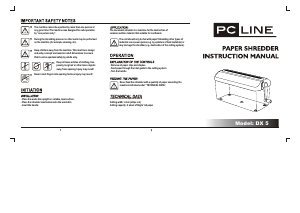
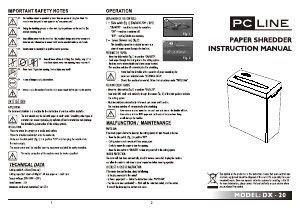
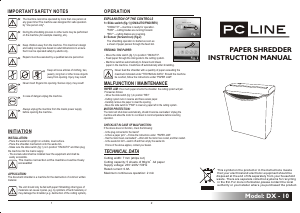
PAPER SHREDDER
INSTRUCTION MANUAL
IMPORTANT SAFETY NOTES
INSTALLATION:
- Place the waste bin upright on a stable, level surface.
- Place the shredder mechanism onto the waste bin.
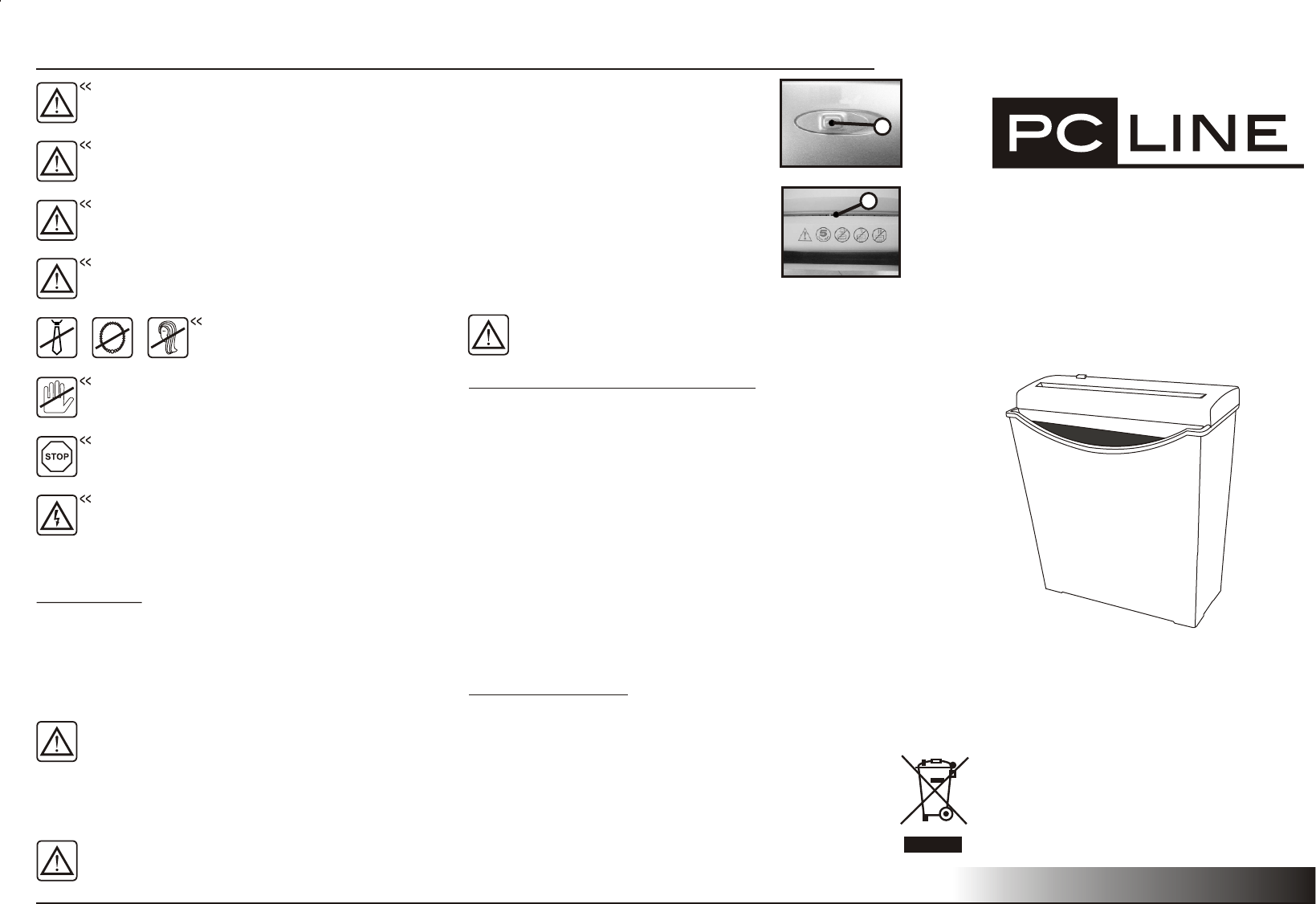
- Make sure the slide switch (fig.1) is in position "ON/AUTO" and then plug
the machine into the mains supply.
- The socket-outlet shall be installed near the equipment and shall be
easily accessible.
The mains connection at the machine must be freely
accessible!
APPLICATION:
The document shredder
The unit should only be fed with paper! Shredding other types of
materials can cause injuries (e.g. by splinters of hard materials) or
may damage the shredder (e.g. destruction of the cutting system).
is a machine for the destruction of common written
material.
2
FEEDING THE PAPER:
- Move the slide switch (fig.1) to position "ON/AUTO".
- Feed paper through the inlet guide to the cutting system.
Machine switches automatically to forward and draws
paper in the machine. It switches off automatically after shredding.
-
PAPER JAM: If too much paper is fed to the shredder the cutting system will jam.
Proceed as follows:
- Move the slide switch (fig.1) to position "REV"
- Cutting system runs in reverse and frees excess paper.
- Carefully remove the paper to clear the opening.
- Move the slide switch to "FWD" to clear any paper left in the cutting system.
MOTOR PROTECTION:
The motor will shut down automatically, should it become overloaded. Unplug the
machine and allow the motor to cool down to room temperature before resuming
operation.
CHECKLIST IN CASE OF MALFUNCTION:
If the device does not function, check the following:
- Is the plug connected to the mains?
- Is there a paper jam? ---Follow the instructions under "PAPER JAM".
- Has the motor been overloaded? ---Wait until the motor has cooled, and then restart.
- Is the waste bin full?---switch off and then empty the waste bin.
If none of the above applies, contact your dealer.
MALFUNCTION / MAINTENANCE
TECHNICAL DATA
Cutting width: 7 mm (strips cut)
2
Cutting capacity: 5 sheets of 80g/m A4 paper
Supply voltage: 230~240V~50Hz
Rated current: 0.8A
Maximum continuous operation: 2 min
Never feed the shredder with a quantity of paper exceeding the
maximum indicated under "TECHNICAL DATA". Should the machine
be overfed, follow the instructions under "PAPER JAM".
OPERATION
Fig. 1
Fig. 2
Model: DX - 10
The machine cannot be operated by more than one person at
any given time! The machine was designed for safe operation
by "one person only".
During the shredding process no other work may be performed
on the machine (for example cleaning, etc).
Keep children away from the machine. This machine's design
and safety concept are based on adult dimensions to ensure
that it can be operated safely by adults only.
Repairs must be executed by a qualified service personnel.
Keep all loose articles of clothing, ties,
jewelry, long hair or other loose objects
away from opening. Injury may result!
Never insert fingers into opening. Serious injury may result!
In case of danger unplug the machine.
Always unplug the machine from the mains power supply
before opening the machine.
INITIATION
1
This symbol on the product or in the instructions means
that your electrical and electronic equipment should be
disposed at the end of life separately from your household
waste. There are separate collection systems for recycling
in the EU. For more information,please contact the local
authority or your retailer where you purchased the product.
ON/AUTO
REV
FW D
EXPLANATION OF THE CONTROLS
1= Slide switch (fig.1) (ON/AUTO/FWD/REV)
"ON/ " ---machine is ready for operation.
AUTO
"FWD" ---cutting blades are running forward.
"REV" ---cutting blades are reversing.
2= Sensor (forward run) (fig.2)
The shredding operation is started as soon as
a sheet of paper passes through the feed slot.
Ladda ner bruksanvisning i Engelska (PDF, 0.14 MB)
(Tänk på miljön och skriv endast ut denna bruksanvisning om det verkligen är nödvändigt)

Loading…

Betyg

Berätta vad du tycker om PC Line DX-10 Dokumentförstörare genom att betygsätta den. Vill du dela med dig av dina åsikter om denna produkt eller ställa en fråga? Lämna en kommentar nederst på sidan.
Är du nöjd med PC Line DX-10 Dokumentförstörare?
Ja Nej
Bli den första personen som betygsätter denna produkt
0 röster

Delta i konversationen om denna produkt

Här kan du dela vad du tycker om PC Line DX-10 Dokumentförstörare. Om du har en fråga, läs först noggrant igenom manualen. Att begära en manual kan göras genom att använda vårt kontaktformulär.

Mer om denna bruksanvisning

Vi förstår att det är trevligt att ha en pappersbruksanvisning för din PC Line DX-10 Dokumentförstörare. Du kan alltid ladda ner bruksanvisningen från vår hemsida och skriva ut den själv. Om du vill ha en originalbruksanvisning rekommenderar vi att du kontaktar PC Line. De kanske kan tillhandahålla en originalbruksanvisning. Letar du efter bruksanvisningen för din PC Line DX-10 Dokumentförstörare på ett annat språk? Välj ditt föredragna språk på vår hemsida och sök efter modellnumret för att se om vi har det tillgängligt.

Specifikationer

Märke PC Line
Modell DX-10
Kategori Dokumentförstörare
Filtyp PDF
Filstorlek 0.14 MB

Alla bruksanvisningar för PC Line Dokumentförstörare
Fler bruksanvisningar för Dokumentförstörare

Vanliga frågor om PC Line DX-10 Dokumentförstörare

Vårt supportteam söker efter användbar produktinformation och svar på vanliga frågor. Om du hittar en felaktighet bland våra vanliga frågor uppskattar vi om du meddelar oss detta via vårt kontaktformulär.

Varför stoppar min pappersförstörare efter en viss period? Verifierad

Pappersförstörare måste svalna efter ett tag för att förhindra överhettning. Tiden som enheten kan fungera innan den behöver svalna varierar mellan olika märken och modeller.

Detta hjälpte (909) Läs mer

Hur ofta ska jag olja min pappersförstörare? Verifierad

Vid tillfällig användning räcker det med att olja pappersförstöraren en gång varannan månad. Med (mycket) regelbunden användning kanske du märker att maskinen har svårt att strimla eller att papper fastnar lätt. Detta är tecken på att maskinen ska oljas.

Detta hjälpte (567) Läs mer
Bruksanvisning PC Line DX-10 Dokumentförstörare

Relaterade produkter

Relaterade kategorier

×
Download