Dear customer,
Congratulations on choosing the Noctua NH-D15S. Tailored to
provide superior RAM and PCIe compatibility, the NH-D15S is
an asymmetrical single fan version of Noctua’s award-winning
flagship model NH-D15. I’m confident that you will be able to
sense some of the research, attention and care we’ve put into mak-
ing this cooler.
Enjoy your NH-D15S!
Yours sincerely,
Roland Mossig, Noctua CEO
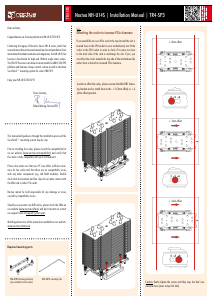
This manual will guide you through the installation process of the
SecuFirm2™ mounting system step by step.
Prior to installing the cooler, please consult the compatibility list
on our website (www.noctua.at/compatibility) and verify that the
cooler is fully compatible with your motherboard. Please also make
sure that your PC case offers sufficient clearance for the cooler and
that there are no compatibility issues with any other components
(e.g. tall RAM modules). Double check that the heatsink and fan
clips do not make contact with the VGA card or other PCIe cards.
Noctua cannot be held responsible for any damage or losses caused
by compatibility issues.
Should you encounter any difficulties, please check the FAQs on our
website (www.noctua.at/faqs) and don’t hesitate to contact our sup-
Multilingual versions of this manual are available on our
website: www.noctua.at/manuals
Required mounting parts:
2x NM-IMB2 mounting bars1x NM-IBP2 backplate
4x NM-ITS1s thumb screws4x NM-IPS1 spacers
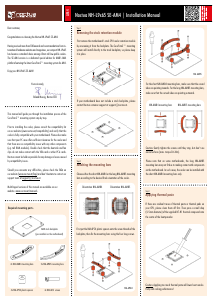
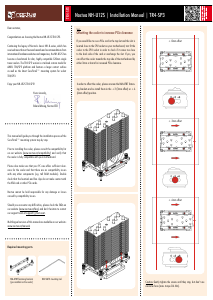
Noctua NH-D15S |
Installation Manual | LGA115x
LGA115x
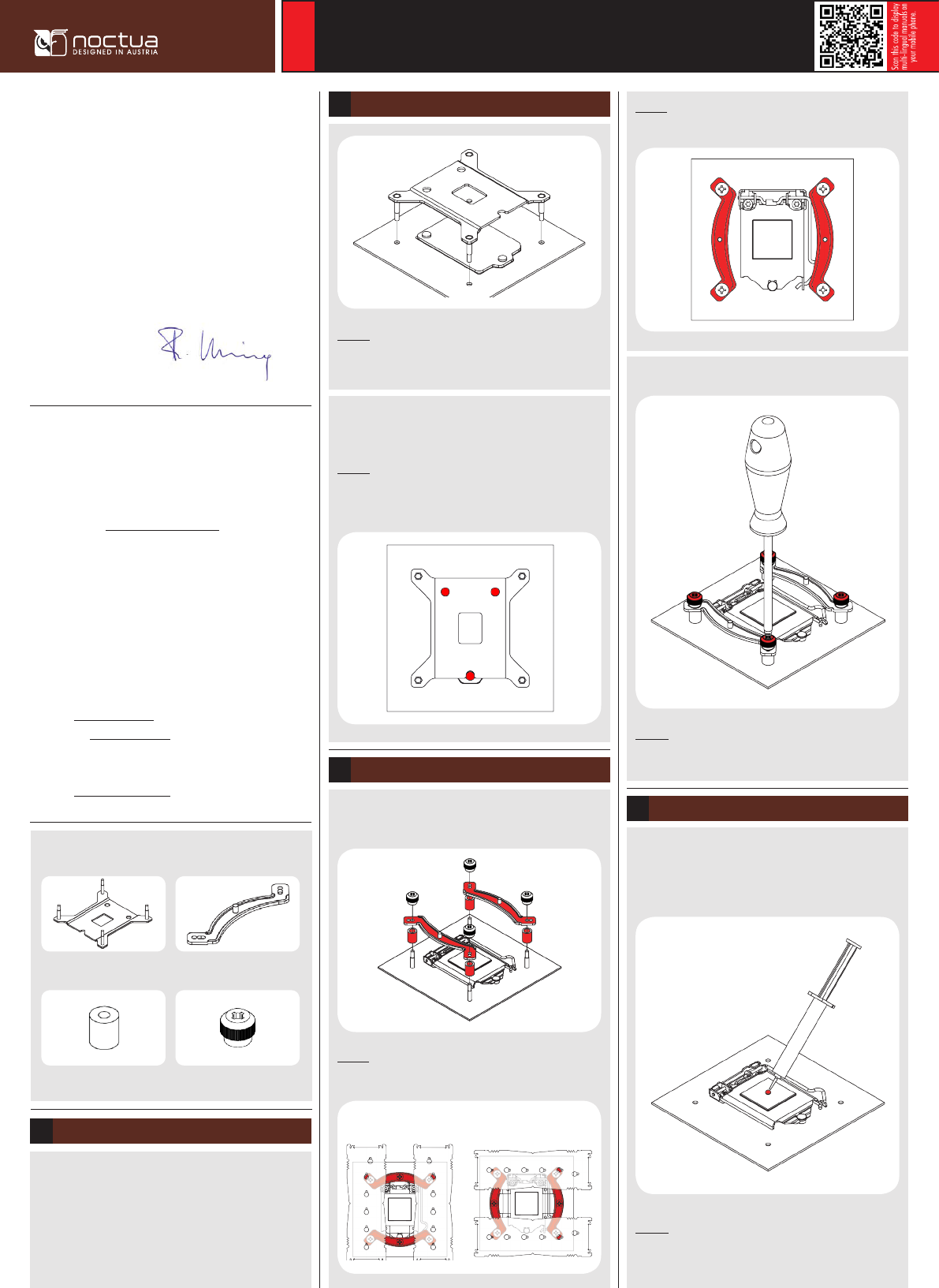
Caution: The supplied backplate will install over the motherboard’s
stock backplate, so the motherboard’s stock backplate must not
be taken off.
Attaching the backplate2
Place the backplate on the rear side of the motherboard so that the
bolts stick through the mounting holes.
Caution: Please make sure that the three cut-outs in the
supplied backplate align with the screws of the motherboard’s stock
backplate.
First put the NM-IPS1 plastic spacers onto the bolts of the back-
plate, then add the NM-IMB2 mounting bars.
Installing the mounting bars3
Caution: Choose the alignment of the mounting bars according to the
desired final orientation of the cooler:
Orientation A Orientation B
In case you want to use the cooler on an assembled system and
your case doesn’t have a cut-out at the rear side of the motherboard
tray, you first have to remove the motherboard from the case in
order to be able to install the supplied backplate.
Removing the motherboard1
Caution: Make sure that the curved sides of the mounting bars are
pointing outwards.
Fix the mounting bars using the 4 thumb screws.
Caution: Gently tighten the screws until they stop, but don’t use
excessive force (max. torque 0.6 Nm).
If there are residual traces of thermal paste or thermal pads on your
CPU, please clean them off first. Then press a small drop (4-5mm
diameter) of NT-H1 onto the centre of the heatspreader.
Applying the thermal paste
Caution: Applying too much thermal paste will lower heat
conductivity and cooling performance!
4


Delta i konversationen om denna produkt
Här kan du dela vad du tycker om Noctua NH-D15S CPU kylare. Om du har en fråga, läs först noggrant igenom manualen. Att begära en manual kan göras genom att använda vårt kontaktformulär.