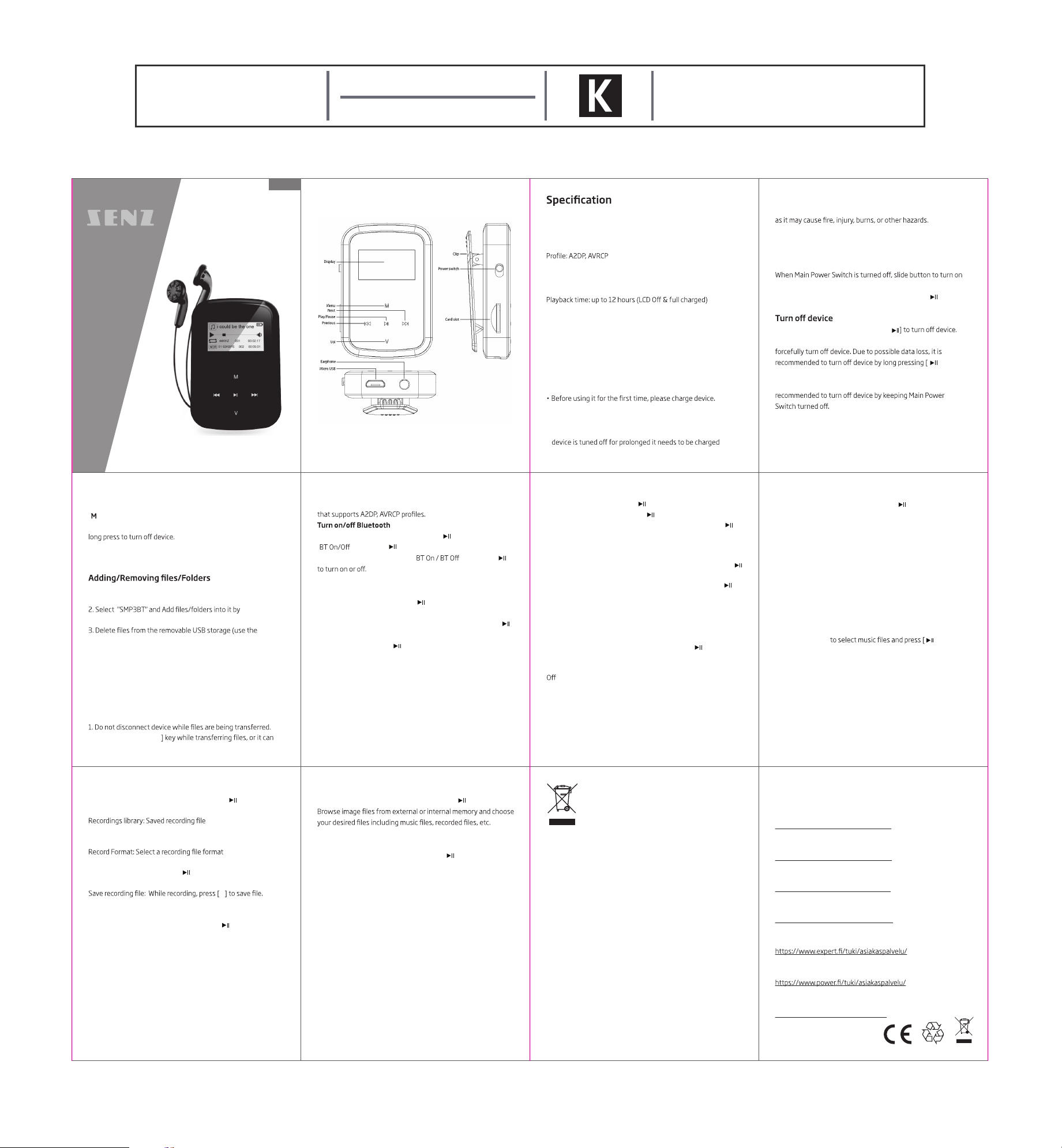
Bluetooth MP3 Player
with 8GB Memory
User Manual
SMP3BT8GBBK
Art No.: SZC19187
70 X 90 MM
1004986 Maual
Illustration
Display: 0.96 inch LCD
MicroSD: up to 64GB
USB interface: USB2.0
Bluetooth: Support Bluetooth speaker, stereo headset
Power: 5V 500mA
Dimension: 55 x 38 x 19(incl clip) mm
Weight: 23g
Charging battery safely
1. Connect to device’s USB port with the provided USB cable.
2. Battery indicator will blink while charging and once full, it will
stop blinking.
3. If device is full charged, disconnect the USB cable.
Note
• Do not overcharge device, or it may shorten the battery’s life.
• Battery life shortens after long time usage.
• The li-polymer battery is consumptive material, so even if
periodically.
CAUTION
Do not disassemble, crush, short-circuit or incinerate your battery
Basic operations
Turn on device
device.
When Main Power Switch is turned on, long press [ ] to turn on
device.
When device is turned on, long press [
If device functions abnormally, slide Main Power Switch button to
] button.
Note
In case device is not being used for long time, it is
Key function
[Previous/Next]: Move up/down or right/left.
[ ]: Press to show sub-menu option.
[Play/Pause]: Short press to enter into menu, play or pause and
[V]: Short press to go back to previous menu and long press to
show volume control and use [Previous/Next] key to adjust
volume.
• use device as a removable USB storage
1. Connect device to computer using provided USB cable.
dragging or copying and pasting them.
"Delete" command).
Disconnecting device from PC
• Follow the steps to avoid damaging device or losing data.
1. Left click mouse on the icon that is on the taskbar at the
bottom right corner of the desktop.
2. Click "Safely remove USB Mass storage Device".
3. Disconnect the player from your computer.
CAUTION
2. Do not press [M/Play
cause data loss or damage to the device
Connecting to Bluetooth speaker/headphone
This device can connect to Bluetooth speaker and headphone
Select "Bluetooth" on main menu. Press [ ] to enter, select
" " and press [ ]to enter.
Press [Previous/Next] to select "
" and press [ ]
Pairing device
Set "Pairing mode" of Bluetooth speaker or headphone.
Go to "Search Device" and press [ ] to show "Searching…"
message. Wait until this message disappears.
Select the name of the device you want to connect to press [ ]
to enter.
select "Pair? " and press [ ].
(Time for searching device depends on number of devices nearby
and it can take up to 1~3 minutes depending on the environment).
Note
Refer to user’s manual of Speaker or headphone for pairing modes.
Connecting/Disconnecting/Unpairing device
Go to "Device’s list" and press[ ] to see list of devices.
Select desired device and press [ ] to show pop-up menu.
Bluetooth Devices Connected: Select "Connect" and press [ ]
to connect.
Once connected a sound will be played through the speaker or
headphone.
Bluetooth Devices Disconnect: Select "Disconnect" and press [ ]
to unpair.
Disconnecting device: Select connected device and press [ ]to
show pop-up menu and select "Disconnect" to disconnect.
Note
If device is not shown on "Device list" then go back and follow the
steps from "Pairing device".
Bluetooth music player
Select "All Music" on Bluetooth menu and press [ ] to play.
When using Bluetooth to play music, press [M] to show pop-up
menu shown below.
Rock
Funk
Hip hop
Jazz
Classical
Techno
Custom
Music
Select "Music" on main menu and press [ ] to show pop-up
menu shown below.
Now playing: Enter into music playback mode of currently playing
music
All songs: Show all music from internal memory
Artists: Show music sorted by artist
Albums: Show music sorted by album
Genres: Dhow music sorted by genre
Playlists: Display all playlists
Create Playlist: Create new playlist
Local folder: Files in built-in memory
Card folder: Files in card
Press [All songs] ] to playback
and pause.
Music Playback Submenu
On music playback mode, short press [M] to enter submenu and
short press [Previous/Next] to select your desired mode.
Recordings
Select "Recordings" on main menu and press [ ] to enter.
Start voice recording: Start recording.
Storage: When the SD card inserted, user can choose save
internal/external memory.
Record Settings: Detailed recording settings
Start/pause recording: Press [ ] to start recording and press it
again to pause.
V
FM Radio
Select "FM Radio" on main menu and press [ ] to enter.
Select FM Station
Previous/Next station: Press [Previous/Next] to adjust FM
station.
Setting
On FM radio mode, press [M] to enter pop-up menu and adjust
device’s function according to user’s preference.
Note
Always plug earphone when listening to FM Radio because
earphone wire acts as antenna.
Folder view
Select “Folder view" on main menu and press [ ] to enter.
System
Select "System" on main menu and press [ ] to enter.
Sleep Time: Sleep Time setting
Display settings: Adjust brightness and Backlight time
Date&Time: Time date setting
Language: Select menu language
Information: Machine information
Format Internal memory: Formatted disk
Factory Default: Reset to Factory Settings
Power International AS,
PO Box 523, 1471 Lørenskog, Norway
Power Norge:
https://www.power.no/kundeservice/
T: 21 00 40 00
Expert Danmark:
https://www.expert.dk/kundeservice/
T: 70 70 17 07
Power Danmark:
https://www.power.dk/kundeservice/
T: 70 33 80 80
Punkt 1 Danmark:
https://www.punkt1.dk/kundeservice/
T: 70 70 17 07
Expert Finland:
T: 020 7100 670
Power Finland:
T: 0305 0305
Power Sverige:
https://www.power.se/kundservice/
T: 08 517 66 000
This symbol on the product or in the instructions
means that your electrical and electronic
equipment should be disposed at the end of its life
separately from your household waste. There are
separate collection systems for recycling in the EU.
For more information, please contact the local
authority or your retailer where you purchased the
product.
03 0402
07 080605
12111009
English
Notes for battery disposal
The batteries used with this product contain chemicals that are
harmful to the environment.
To preserve our environment, dispose of used batteries
according to your local laws or reguiations.
Do not dispose of batteries with normal household waste.
For more information, please contact the local authority or your
retailer where you purchased the product.
2019.08.06


Delta i konversationen om denna produkt
Här kan du dela vad du tycker om Senz M10 Mp3 spelare. Om du har en fråga, läs först noggrant igenom manualen. Att begära en manual kan göras genom att använda vårt kontaktformulär.