Bruksanvisning Panasonic SL-MP70EB Discman

Behöver du en bruksanvisning för din Panasonic SL-MP70EB Discman? Nedan kan du se och ladda ner PDF-bruksanvisningen gratis på svenska. Den här produkten har för närvarande 1 vanliga frågor, 0 kommentarer och har 0 röster. Om det här inte är bruksanvisningen du vill ha, vänligen kontakta oss.

Är produkten defekt och erbjuder bruksanvisningen ingen lösning? Gå till ett Repair Café för gratis reparationstjänster.

Bruksanvisning

Loading…
EB EG
Before requesting service, make the below checks. If you are in doubt about some of the check points, or if the remedies indicated in the chart do not solve the problem,
consult your dealer for instructions.
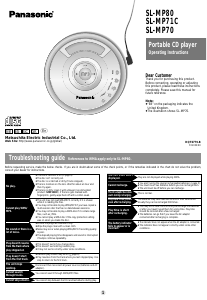
Troubleshooting guide
1
s
V
O
L
U
M
E
r
M
E
M
O
/
D
I
S
P
E
Q
M
O
D
E
RQT6779-B
F0103KK0
p
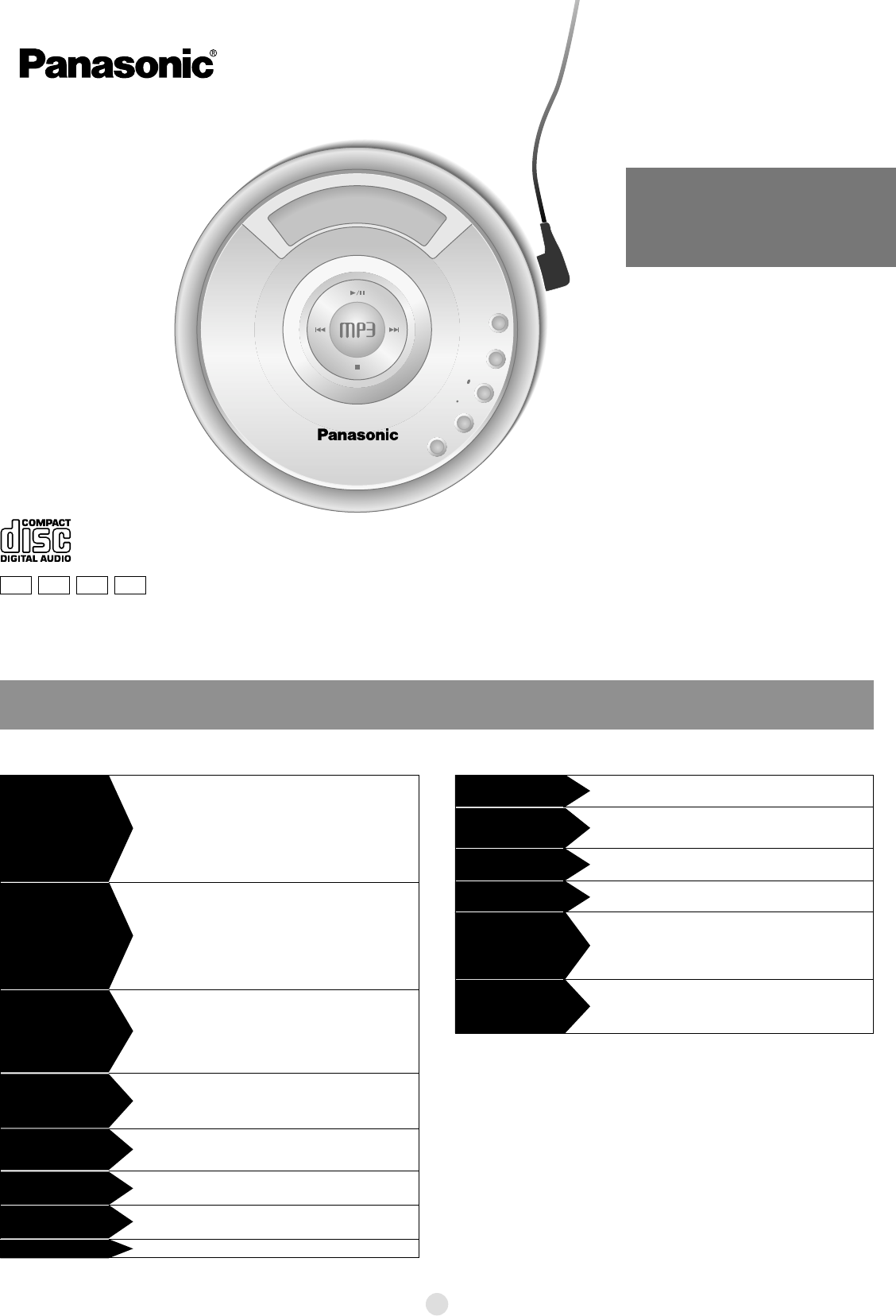
Portable CD player
Operating Instructions
SL-MP80
SL-MP71C
SL-MP70
Dear Customer
Thank you for purchasing this product.
Before connecting, operating or adjusting
this product, please read these instructions
completely. Please save this manual for
future reference.
Note:
“EB” on the packaging indicates the
United Kingdom.
The illustration shows SL-MP70.
Random play modes may be on (
page 6).
Play resumes from the track where you last stopped play. Use
skip to return to the first track.
This doesn’t work if you change discs.
This doesn’t work during random play.
It may not work correctly under some conditions.
The unit may not read WMA/MP3 correctly if it is shaken
while it is reading the files.
You may not be able to play WMA/MP3 if you have copied a
multi-session disc that has no data between sessions.
You may not be able to play a WMA disc if it contains large
files, such as JPEG.
You cannot play a WMA disc if the copy protection setting
was on when you made the disc.
Disconnect then reconnect all power sources (batteries and AC
adaptor).
The HOLD function is on (
page 4).
The disc isn’t correctly set.
The disc is scratched or dirty.(Tracks skipped.)
There is moisture on the lens. Wait for about an hour and
then try again.
The lens is dirty: clean it with a blower (recommended
product: SZZP1038C). If the lens gets marked with
fingerprints, gently wipe them off with a cotton swab.
Ensure the plugs are inserted firmly.
Wipe the plugs clean with a clean cloth.
Noise may occur when playing WMA/MP3 if recording quality
is poor.
The elapsed playing time disappears and sound is interrupted
if bumps continue repeatedly.
Play doesn’t resume
from the track where
play stopped at.
Play doesn’t start
from the first track.
The unit stops
working.
Cannot play WMA/
MP3.
No play.
No sound or there is a
lot of noise.
The batteries may have reached the end of their service life.
Usually they can be recharged 300 times.
They are not displayed while playing WMA.
The ID3 titles aren’t
displayed.
This is normal.
This may occur after the first time you recharge the batteries
or after you haven’t used them for a long time. Play time
should be restored after a few recharges.
The batteries can go flat if you leave the AC adaptor
connected after recharging is complete.
You aren’t using the special rechargeable batteries (
page 5).
You must insert two batteries before you can recharge them.
The unit must be off before you can recharge.
The indicator does not appear when the AC adaptor is connected.
The indicator does not appear correctly under some other
conditions.
Play time is short
after recharging.
The battery indicator
fails to appear or is
incorrect.
Cannot recharge.
The AC adaptor becomes
warm during recharging.
Play time is very short
even after recharging.
You cannot search through WMA/MP3 files.
You cannot skip between the first and last albums during play.
Cannot search
through tracks.
Cannot skip albums.
References to WMA apply only to SL-MP80.
GC GK
Matsushita Electric Industrial Co., Ltd.
Web Site: http://www.panasonic.co.jp/global/
Ladda ner bruksanvisning i Engelska (PDF, 0.19 MB)
(Tänk på miljön och skriv endast ut denna bruksanvisning om det verkligen är nödvändigt)

Loading…

Betyg

Berätta vad du tycker om Panasonic SL-MP70EB Discman genom att betygsätta den. Vill du dela med dig av dina åsikter om denna produkt eller ställa en fråga? Lämna en kommentar nederst på sidan.
Är du nöjd med Panasonic SL-MP70EB Discman?
Ja Nej
Bli den första personen som betygsätter denna produkt
0 röster

Delta i konversationen om denna produkt

Här kan du dela vad du tycker om Panasonic SL-MP70EB Discman. Om du har en fråga, läs först noggrant igenom manualen. Att begära en manual kan göras genom att använda vårt kontaktformulär.

Mer om denna bruksanvisning

Vi förstår att det är trevligt att ha en pappersbruksanvisning för din Panasonic SL-MP70EB Discman. Du kan alltid ladda ner bruksanvisningen från vår hemsida och skriva ut den själv. Om du vill ha en originalbruksanvisning rekommenderar vi att du kontaktar Panasonic. De kanske kan tillhandahålla en originalbruksanvisning. Letar du efter bruksanvisningen för din Panasonic SL-MP70EB Discman på ett annat språk? Välj ditt föredragna språk på vår hemsida och sök efter modellnumret för att se om vi har det tillgängligt.

Specifikationer

Märke Panasonic
Modell SL-MP70EB
Kategori Discman
Filtyp PDF
Filstorlek 0.19 MB

Alla bruksanvisningar för Panasonic Discman
Fler bruksanvisningar för Discman

Vanliga frågor om Panasonic SL-MP70EB Discman

Vårt supportteam söker efter användbar produktinformation och svar på vanliga frågor. Om du hittar en felaktighet bland våra vanliga frågor uppskattar vi om du meddelar oss detta via vårt kontaktformulär.

Kan jag reparera repor på en CD själv? Verifierad

Repor förhindrar att lasern läser skivan korrekt. När reporna bara är ytliga är det möjligt att reparera dem själv genom att polera skivan med en lätt slipande förening. Helst använder du en professionell slipmedel men det är också möjligt att använda vanlig tandkräm. Efter att du har polerat skivan måste den tvättas och torka. Det finns specialiserade företag som kan göra detta.

Detta hjälpte (39) Läs mer
Bruksanvisning Panasonic SL-MP70EB Discman

Relaterade produkter

Relaterade kategorier

×
Download