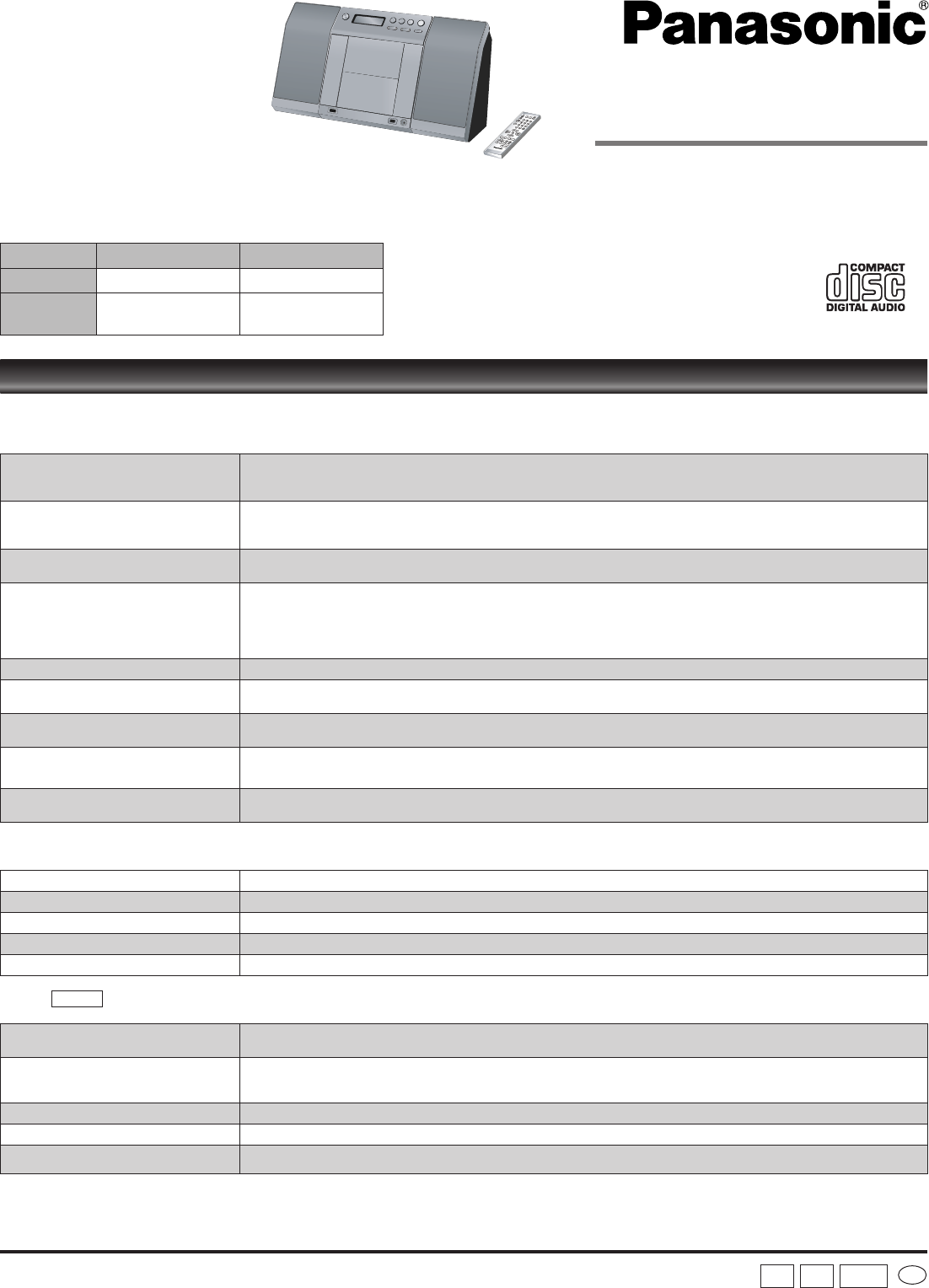
Operating Instructions
CD Stereo System
Model No. SC-EN35
SC-EN33
Dear customer
Thank you for purchasing this product.
Before connecting, operating or adjusting this product, please read the instructions completely.
Please keep this manual for future reference.
System SC-EN35 SC-EN33
Main unit SA-EN35 SA-EN33
Speakers
SB-EN35
SB-EN35A
SB-EN33
SB-EN33A
Matsushita Electric Industrial Co., Ltd.
Web Site: http://panasonic.net
RQTV0167-2B
H0107FL2047
En
E GN
SC-EN35 is used in the illustrations unless
otherwise mentioned.
These instructions are applicable to the following systems.
Before requesting service, make the following checks. If you are in doubt about any of the check points, or if the solutions indicated in the chart do not solve the
problem, consult your dealer for instructions.
No play.
The disc isn’t correctly set.
The disc is scratched or dirty. (Tracks skipped.)
There is moisture on the lens. Wait for about an hour and then try again.
•
•
•
MP3 cannot be read.
You may not be able to play MP3 if you have copied a multi-session disc that has no data between sessions.
When creating a multi session disc, it is necessary to close the session.
The amount of data on the disc is too small. Set the amount of data to greater than approximately 5 MB.
•
•
•
Sound is unfixed, reversed or comes
from one speaker only.
Check the speaker connections. (➡ page 3)•
No sound or there is a lot of noise.
Noise may occur when playing MP3 if recording quality is poor.
Keep this unit away from mobile telephones if the interference is apparent.
Turn the volume up.
Switch the unit off, determine and correct the cause, then switch the unit on. Causes include shorting of the positive and
negative speaker wires, straining of the speakers through excessive volume or power, and using the unit in a hot environment.
•
•
•
•
Humming heard during play. An AC mains lead or fluorescent light is near the cords. Keep other appliances and cords away from this unit’s cables.•
A beat sound or noise is heard while
receiving a radio broadcast.
Switch the TV or other audio player off or separate it from the unit.
Switch off the portable audio player connected to “MUSIC PORT”.
•
•
A low hum or noise is heard during AM
broadcasts.
Keep the antenna away from other cables and cords.
Keep the AM antenna away from the unit.
•
•
The picture on the television near the
set disappears or stripes appear on the
screen.
The location and orientation of the antenna are incorrect.
The television antenna wire is too close to the unit. Separate the antenna wire of the television from the unit.
•
•
Remote control doesn’t work.
Check that the batteries are inserted correctly. (➡ page 2)
Replace the batteries if they are worn.
•
•
Display
--:--
You plugged the AC mains lead in for the first time and there was a power failure recently. Set the time. (
➡ page 6)•
PGM FULL The number of programmed tracks is limited to 24. No further tracks can be programmed.•
NO PLAY A CD-ROM disc that is not CD-DA or MP3 format is inserted. It cannot be played.•
ERROR Incorrect operation performed. Read the instructions and try again.•
F76 There is a power supply problem. Consult the dealer.•
USB
No response when [USB q/h] button is
pressed.
Disconnect the USB device and then reconnect it back. Alternatively, turn the unit off and then back on.•
The USB drive or it’s contents cannot
be read.
The USB drive format or it’s contents is/are not compatible with the system (➡ page 5).
The USB host function of this product may not work with some USB devices.
USB devices with storage capacity of more than 8 gigabytes may not work in some instances.
•
•
•
Slow operation of the USB flash drive. Large file size or high memory USB flash drive takes longer time to read.•
“USB OVER CURRENT ERROR” The USB mass storage device rating exceeds 500mA. Disconnect the USB device. Turn the unit off and then back on.•
“NO PLAY”
Check the content.
Only MP3 format files can be played.
•
•
Troubleshooting guide
SC-EN35
GCS
SC-EN35 E,GN,GCS PP.indd 1 22/03/2007 17:17:14


Delta i konversationen om denna produkt
Här kan du dela vad du tycker om Panasonic SC-EN33 Stereoanläggning. Om du har en fråga, läs först noggrant igenom manualen. Att begära en manual kan göras genom att använda vårt kontaktformulär.