Bruksanvisning Maytag MJD3000AAW Diskmaskin

Behöver du en bruksanvisning för din Maytag MJD3000AAW Diskmaskin? Nedan kan du se och ladda ner PDF-bruksanvisningen gratis på svenska. Den här produkten har för närvarande 11 vanliga frågor, 0 kommentarer och har 1 röst med ett genomsnittligt produktbetyg på 100/100. Om det här inte är bruksanvisningen du vill ha, vänligen kontakta oss.

Är produkten defekt och erbjuder bruksanvisningen ingen lösning? Gå till ett Repair Café för gratis reparationstjänster.

Bruksanvisning

Loading…
76
Operating the programmes
and special functions
Use in conjunction with programme guide
Setting a programme
Press the On/Off button; the last programme
selected will appear on the display.
To set a new programme, press the Programme
Selection Button "Prog.". When the required
programme is shown in the display, press the
“Start” button. The time of the selected
programme (in hours and minutes) will start to
flash in the display.
After an audible signal has sounded (if it has not
been deactivated) the programme will start
automatically.
“Flexi Load” Button
To ensure that your dishwasher meets all your
requirements, the “Flexi Load” option button
allows you to select:
Half Load Top Basket
By selecting this option Dishes are
washed in the top basket and cutlery in
lower basket
Half Load Lower Basket
By selecting this option Dishes are
washed in the lower basket only.
“Power Wash” button
Your dishwasher is fitted with a two speed
motor. By pressing the “Power Wash” Button,
the motor operates at a higher speed which will
result in higher water pressure, to attack the dirt.
The “Power Wash” option is particularly
suitable for washing pans, pots and heavily
soiled crockery.
Please Note:
This option must be selected before
pressing the “Start” button.
Economy button
The “Economy” button reduces the temperature
of the water during the last rinse, provides an
energy saving of more than 20% and shortens
the cycle.
Recommended for evening washes when the
dishes are not required perfectly dry, straight
away.
Interrupting a programme
It is not recommended that the door be opened
while a programme is running, and especially
not during the main wash phase and final
drying.
However, the appliance will stop automatically
when the door is opened.
At this point the various wash options can be
programmed or cancelled. The current
programme can also be cancelled.
If, the door is opened during a programme, the
symbol for that programme will flash in the
display and the machine stops.
Please Note:
If you open the door during the drying cycle
an audible audio signal advises you that the
drying cycle has not yet completed.
To restart the machine, press the “Start” button
and the time remaining for the programme will
flash. Now close the door.
If you wish to cancel or change a programme
that is running, carry out the following:
keep the “Start” button pressed in until the
number of the programme stops flashing. A
new programme can now be set.
NB: If, on pressing the “Start” button the
symbol "00" starts to flash on the display, it
means that there is water in the machine.
Then release the “Start” button and the
machine will automatically empty the water; wait
for the audible signal, after which the new
programme can be set.
Before starting a new programme, you should
check that there is still detergent in the dispenser.
If necessary, top up the dispenser.
End of programme
The end of the programme is indicated by an
audible signal (if it has not been deactivated).
The number of the programme that has just
finished will appear on the display.
Important:
If the programme shown in the display starts
to flash and the machine will not let any more
programmes be selected, press the “Start”
button and keep this button pressed until the
display stops flashing.
Delay Start programme button
To set the delay start programme press the
“Delay Start” button.
On the first press the current setting appears on
the display. Each time the button is pressed the
delayed time in one hour increments increases,
up to a maximum of 19 hours.
Once set, wait until the selected time is confirmed
when it appears in the display. Press the “Start”
button to start the countdown. If the countdown
has not already been activated, the delay start
can be cancelled by pressing the “Delay Start”
button until the selected programme appears on
the display.
The delay start can be cancelled at any time
simply by keeping the “Start” button pressed in
until the required wash cycle appears on the
display.
If you wish to see which programme has been
selected, press the Programme Selection
Button “Prog.”.
NB: If the door is opened during the countdown,
for example to select one of the options (or to
add more dishes), the “Start” button should be
pressed before closing the door again, in order
to restart the countdown.
Activating and deactivating the audible
signal
The audible signal function can be deactivated
in the following way:
keep the Programme Selection Button “Prog.”
pressed in for a few seconds and at the same
time press the “On/Off” button; if the symbol
"b1" appears on the display the audible signal
is activated. Press the programme selection
button “Prog.” again and the symbol "b0" will
appear which means that the audible signal has
been deactivated.
An audible signal sounds to indicate that the
setting has been stored in memory.
Attention
This dishwasher is equipped with an
anti-overflow safety device which works even
when power is off, and if the water level is too
high, the supply will automatically be closed off.
Important
To ensure the correct operation of the
anti-overflow safety device, it is recommended
not to move or to tilt the dishwasher during
operation.
If it is necessary to move or to tilt the
dishwasher, first make sure the washing cycle is
finished and that no water is left in the tank.
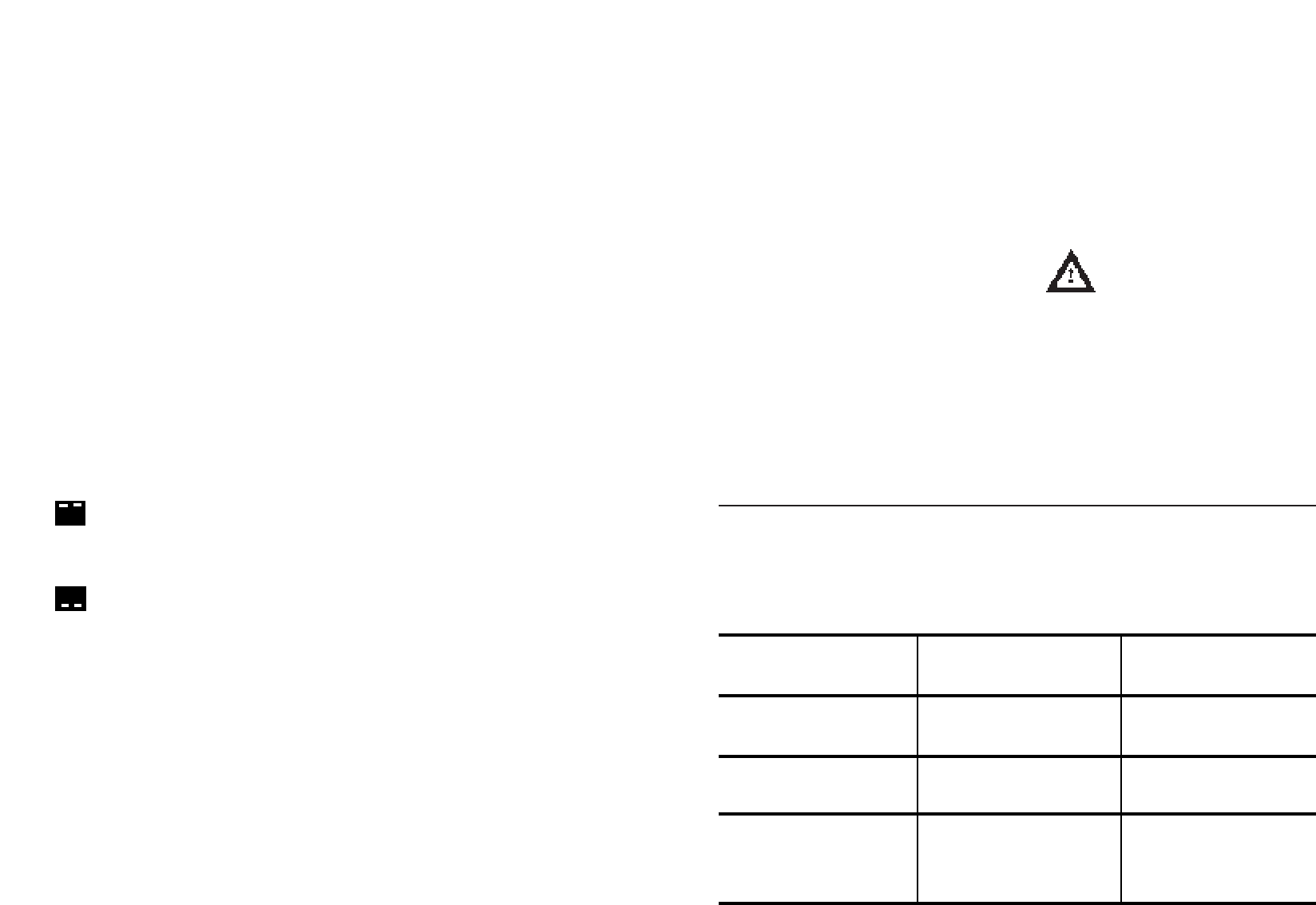
Display shows E1.
Display shows E2.
Display shows E3.
Display shows E4.
PROBLEM CAUSE REMEDY
The Dishwasher is able to self-assess a number of problems. The problem will
be illustrated in the display window and by an audible signal.
Water supply switched off.
Problem with electronic temperature
control.
The Water Heater Element does not
work properly or the filter mesh is
blocked.
The appliance does not discharge
water.
Switch off appliance.
Turn on water supply.
Reset the cycle.
Call Service for assistance.
Clean the Filter Mesh and if the
problem continues please contact
Service.
Check :
That the discharge hose is not
bent
Syphon is not blocked
Filters are not blocked
PROBLEMS AUTOMATICALLY SIGNED
a)
b)
Ladda ner bruksanvisning i Engelska (PDF, 0.26 MB)
(Tänk på miljön och skriv endast ut denna bruksanvisning om det verkligen är nödvändigt)

Loading…

Betyg

Berätta vad du tycker om Maytag MJD3000AAW Diskmaskin genom att betygsätta den. Vill du dela med dig av dina åsikter om denna produkt eller ställa en fråga? Lämna en kommentar nederst på sidan.
Är du nöjd med Maytag MJD3000AAW Diskmaskin?
Ja Nej
100%
0%
1 röst

Delta i konversationen om denna produkt

Här kan du dela vad du tycker om Maytag MJD3000AAW Diskmaskin. Om du har en fråga, läs först noggrant igenom manualen. Att begära en manual kan göras genom att använda vårt kontaktformulär.

Mer om denna bruksanvisning

Vi förstår att det är trevligt att ha en pappersbruksanvisning för din Maytag MJD3000AAW Diskmaskin. Du kan alltid ladda ner bruksanvisningen från vår hemsida och skriva ut den själv. Om du vill ha en originalbruksanvisning rekommenderar vi att du kontaktar Maytag. De kanske kan tillhandahålla en originalbruksanvisning. Letar du efter bruksanvisningen för din Maytag MJD3000AAW Diskmaskin på ett annat språk? Välj ditt föredragna språk på vår hemsida och sök efter modellnumret för att se om vi har det tillgängligt.

Specifikationer

Märke Maytag
Modell MJD3000AAW
Kategori Diskmaskiner
Filtyp PDF
Filstorlek 0.26 MB

Alla bruksanvisningar för Maytag Diskmaskiner
Fler bruksanvisningar för Diskmaskiner

Vanliga frågor om Maytag MJD3000AAW Diskmaskin

Vårt supportteam söker efter användbar produktinformation och svar på vanliga frågor. Om du hittar en felaktighet bland våra vanliga frågor uppskattar vi om du meddelar oss detta via vårt kontaktformulär.

När min diskmaskin har slutfört sin cykel, har behållaren med tabletten inte öppnats. Hur är detta möjligt? Verifierad

Detta problem orsakas ofta av tallrikar som blockerar behållaren. Kontrollera detta innan du slår på diskmaskinen.

Detta hjälpte (8374) Läs mer

Min diskmaskin värmer inte längre upp vattnet. Hur kommer det sig? Verifierad

Troligen är värmeelementet defekt. Låt en tekniker byta ut det. I tveksamma fall, ta kontakt med leverantören.

Detta hjälpte (8163) Läs mer

Kan jag använda vanligt salt i diskmaskinen? Verifierad

Nej, vanligt salt kan innehålla ämnen som kan skada maskinen.

Detta hjälpte (3473) Läs mer

Måste jag skölja av disken innan jag ställer den i diskmaskinen? Verifierad

Du behöver inte skölja av disken, men ta bort stora, hårda och feta bitar/matrester. Annars kan silen/avloppet täppas till.

Detta hjälpte (1429) Läs mer

Kan jag öppna diskmaskinen medan den är igång? Verifierad

De flesta diskmaskiner är utrustade med ett vattenstopp, vilket gör att programmet stannar omedelbart när dörren öppnas och betyder att inget vatten kommer ut. På vissa modeller kan detta orsaka problem över tiden. Med inbyggda diskmaskiner är det möjligt att ofta öppna diskmaskinen under körning kan orsaka vattenskador på kringgående skåp på grund av ångan som släpps ut.

Detta hjälpte (1213) Läs mer

Ska jag öppna diskmaskinen när den är klar för att torka disken snabbare? Verifierad

Detta beror på typen av diskmaskin och placeringen av diskmaskinen. Vissa diskmaskiner är utrustade med en funktion som torkar disken efter tvättprogrammet. I så fall har det inget mervärde att öppna diskmaskinen. Med inbyggda diskmaskiner är det möjligt att ofta öppna diskmaskinen under körning kan orsaka vattenskador på kringgående skåp på grund av ångan som släpps ut.

Detta hjälpte (973) Läs mer

När diskmaskinen har avslutat sin cykel är plastskålarna fortfarande våta men resten inte. Varför är det så? Verifierad

Plast är en dålig värmeledare och låter produkterna svalna snabbt. Fukten som finns kvar avdunstar sedan mycket mindre än på keramik eller metall.

Detta hjälpte (870) Läs mer

Kan jag ansluta en diskmaskin till en förlängningssladd? Verifierad

Enheter som kräver stora mängder ström, som en diskmaskin, kan inte anslutas till alla förlängningssladdar. Se vad diskmaskinens strömförbrukning är, vilket anges i Watt, och kontrollera om förlängningssladden kan hantera detta. Det finns förlängningssladdar med tjockare kablar som är gjorda för att hantera större apparater.

Detta hjälpte (815) Läs mer

Kan jag lägga kokkärl med teflon i diskmaskinen? Verifierad

Jo det kan du. Kärlet slits dock snabbare än när det rengörs för hand. När du rengör en panna med teflon för hand, använd aldrig en skurmedel utan använd en mjuk svamp eller trasa.

Detta hjälpte (814) Läs mer

Kan jag lägga träföremål som spatlar och skärbrädor i diskmaskinen? Verifierad

Nej. Träföremål kan skadas eller skeva i diskmaskinen. Träfibrerna som lossnar kan också skada diskmaskinen. Träskärbrädor tillverkas ofta med lim som kan lossna efter att ha varit i diskmaskinen flera gånger.

Detta hjälpte (812) Läs mer

Är det ett problem att ha repor på metallen på insidan av diskmaskinen? Verifierad

Insidan av de flesta diskmaskiner är gjord av rostfritt stål och påverkas inte av repor.

Detta hjälpte (811) Läs mer
Bruksanvisning Maytag MJD3000AAW Diskmaskin

Relaterade produkter

Relaterade kategorier

×
Download