
i
Table of Contents
Section 1: Read Me First!......................................................... 1
Capabilities and Specifications: ................................................... 2
Introduction to GPS, WAAS and EGNOS ................................... 6
How to use this manual: typographical conventions .................. 8
Arrow Keys................................................................................ 8
Keyboard ................................................................................... 8
Menu Commands ...................................................................... 8
Instructions = Menu Sequences ............................................... 9
Section 2: Installation & Accessories..................................11
Power........................................................................................... 11
Batteries...................................................................................... 11
Battery Installation ................................................................ 12
Cigarette Lighter Power Adapter .............................................. 13
NMEA Cable Connections .......................................................... 13
MMC or SD Memory Card Installation ..................................... 14
Mapping Resources..................................................................... 15
External Antenna ....................................................................... 16
R-A-M
Bracket Mounting Systems .......................................... 17
Other Accessories........................................................................ 18
Section 3: Easy Mode Operation .......................................... 19
Keypad......................................................................................... 19
Power/lights on and off ............................................................... 20
Main Menu .................................................................................. 20
Pages ........................................................................................... 21
Satellite Status Page .............................................................. 21
Compass Page ......................................................................... 22
Navigation Page...................................................................... 23
Map Page................................................................................. 25
Easy Mode Quick Reference ................................................. 28
Find Your Current Position........................................................ 29
Moving Around the Map: Zoom & Cursor Arrow Keys ............. 29
Selecting Any Map Item with the Cursor.................................. 30
Searching..................................................................................... 30
Set Home Waypoint .................................................................... 32
Go Home .................................................................................. 33
Set Man Overboard (MOB) Waypoint........................................ 33
Navigate Back to MOB Waypoint .......................................... 33
Navigate to Cursor Position on Map.......................................... 34
Navigate to a Point of Interest................................................... 35
Creating and Saving a Trail....................................................... 36
Displaying a Saved Trail ........................................................ 36
Navigating or Backtracking a Trail ........................................... 36


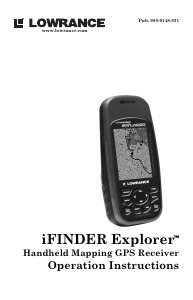
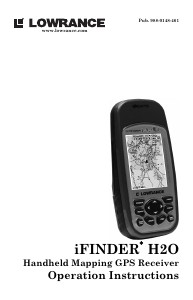
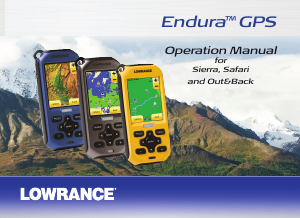
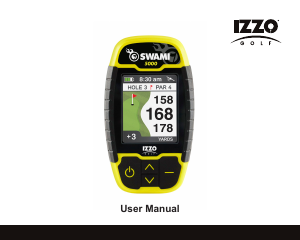
Delta i konversationen om denna produkt
Här kan du dela vad du tycker om Lowrance iFINDER Explorer Handhållen navigation. Om du har en fråga, läs först noggrant igenom manualen. Att begära en manual kan göras genom att använda vårt kontaktformulär.