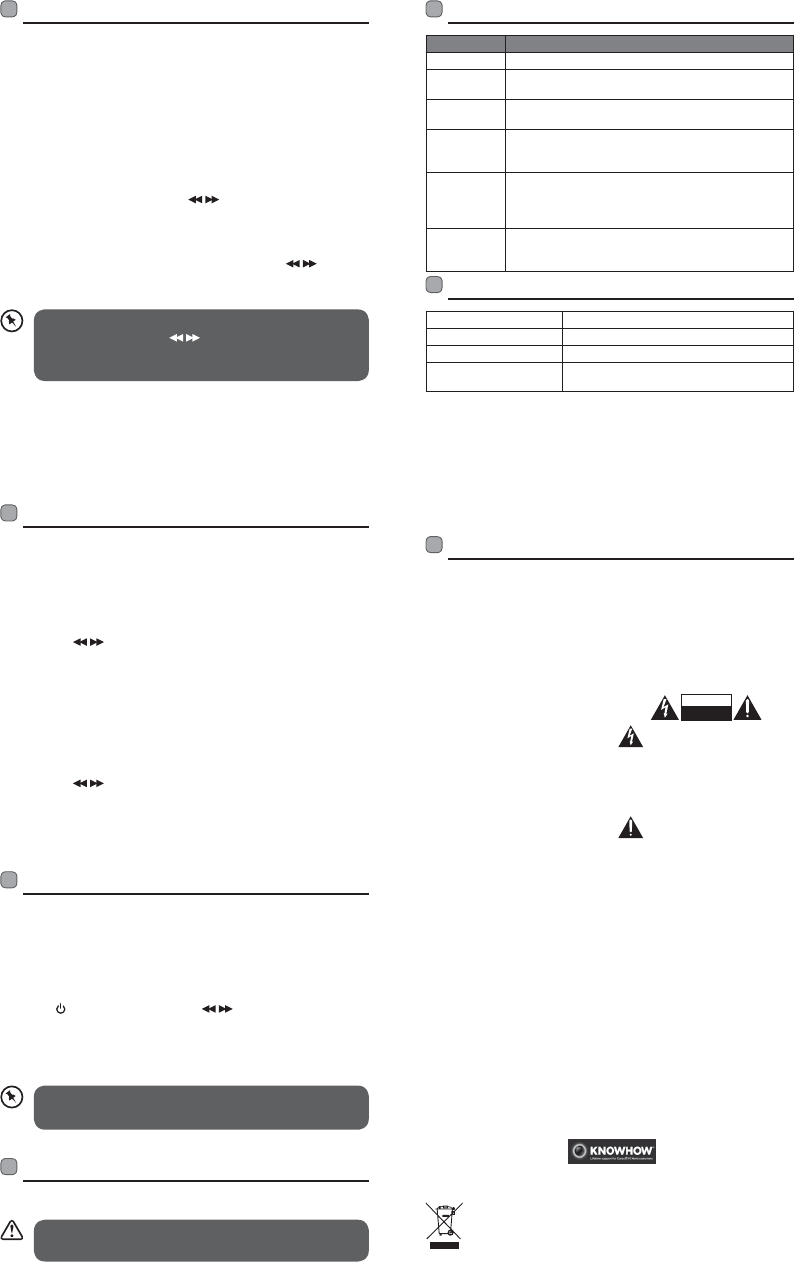
Afterthesystemreset,allthetunedstations,DAB&FM
preset stations will be erased.
Maintenance
Cleaning the Unit
Ensuretheunitisfullyunpluggedfromthemainssocket
before cleaning.
• To clean the unit, wipe the case with a slightly moist, lint-free
cloth.
• Do not use any cleaning fluids containing alcohol, ammonia
or abrasives.
• Do not spray an aerosol at or near the unit.
Specications
Mains Supply 5V/0.5A
Built in Battery 3.7V/1000mAh
Dimension 46mm(W)x22mm(D)x70mm(H)
RadioFrequencyRange FM87.5MHz–108MHz
DABBandIII174.928–239.200MHz
Presetting Stations (DAB or FM mode)
Youcanstoreupto10ofyourfavouritestationstothe
memory. This will enable you to access your favourite stations
quicklyandeasily.
1. To store a preset, you must first be listening to the station
that you would like to save, then press and hold the
PRESET/INFO Button.
2. Press the Buttons to select your desired preset station
number.
3. Press and hold the MODE/SELECT Button to confirm the
selection.
4. The station will be stored and the display will show “Preset
## Stored“.
Recalling a Preset Station
1. Press and hold the PRESET/INFO Button.
2. Press the Buttons to select your desired preset station
number.
3. Press the MODE/SELECT Button to confirm the selection.
4. If you choose a preset that has been allocated a station, the
display will show “Preset ## Stored“.
System Reset
There may be times when you need to reset your unit back
tothefactorysettings.Ifyouexperiencereceptionproblems
you may want to reset and try again. If you move the unit to
another part of the country and pick up the local and national
DABstationsinthatarea,yourpreviouslytunedchannelsmay
no longer be available.
Press the Button and then press Button to select
System Reset. Press the MODE/SELECT Button to confirm. The
display shows Press Select to Reset. Press the MODE/SELECT
Button to confirm. The display will show System reset OK. The
unitwillthenstarttheFullscanforDABchannelsimmediately.
Safety Warnings
The symbol on the product or its packaging indicates that this product must not
be disposed of with your other household waste. Instead, it is your responsibility
todisposeofyourwasteequipmentbyhandingitovertoadesignatedcollection
pointfortherecyclingofwasteelectricalandelectronicequipment.Theseparate
collectionandrecyclingofyourwasteequipmentatthetimeofdisposalwillhelp
conserve natural resources and ensure that it is recycled in a manner that protects
human health and the environment.
Formoreinformationaboutwhereyoucandropoyourwasteforrecycling,pleasecontact
your local authority, or where you purchased your product.
DSGRetailLtd.(co.no.504877
MaylandsAvenue,HemelHempstead,Herts.,HP27TG,UK
IB-LHDAB14-141024V3
Forgeneralinformationaboutthisapplianceandhandyhintsandtips,
please visit www.knowhow.com/knowledgebank or call 0344 5611234.
• Read all the instructions carefully before
using the unit and keep them for future
reference.
• Retain the manual. If you pass the unit
onto a third party make sure to include
this manual.
• Check that the voltage marked on the
rating label matches your mains voltage.
Damage
• Please inspect the unit for damage after
unpacking.
• Do not continue to operate the unit if you
are in any doubt about it working normally,
orifitisdamaged inanyway-switcho,
withdraw the mains plug and consult your
dealer.
Temperature
• Avoid extreme degrees of temperature,
either hot or cold. Place the unit well away
fromheatsourcessuchasradiatorsorgas/
electric res.
• Avoid exposure to direct sunlight and
other sources of heat.
Naked Flames
• Never place any type of candle or naked
ame near the unit.
Moisture
• To reduce the risk of re, electric shock or
product damage, do not expose thisunit
to rain, moisture, dripping or splashing.
Noobjectslledwithliquids,suchasvases,
should be placed on the unit.
• If you spill any liquid intothe unit, it can
causeseriousdamage.Switchit o atthe
mains immediately. Withdraw the mains
plug and consult your dealer.
Interference
• Do not place the unit on or near appliances
which may cause electromagnetic
interference. If you do, it may adversely
aect the operating performance of the
unit, and cause a distorted picture or
sound.
Earphones
• Listening to loud sounds for prolonged
periods of time may permanently damage
your hearing.
• Before putting on earphones, turn the
volume down then put the earphones on
and slowly increase the volume until you
reach a comfortable listening level.
Supervision
• Children should be supervised to ensure
that they do not play with the unit.
• Never let anyone especially children push
anything into the holes, slots or any other
openings in the case - this could result in a
fatal electric shock.
CAUTION
RISK OF ELECTRIC SHOCK
DO NOT OPEN
The lightning ash with arrowhead
symbol,withinanequilateral
triangle, is intended to alert the
user to the presence of uninsulated
“dangerous voltage” within the unit’s
enclosure that may be of sucient
magnitude to constitute a risk of electric
shock.
Theexclamationpointwithinan
equilateraltriangleisintendedto
alert the user to the presence of
important operating and maintenance
(servicing)instructionsinthemanual
accompanying the unit.
Service
• To reduce the risk of electric shock, do not
remove screws. The unit does not contain
any user-serviceable parts. Please leave all
maintenanceworktoqualiedpersonnel.
• Donot open anyxedcoversasthismay
exposedangerousvoltages.
Maintenance
• Ensuretounplugtheunitfromthepower
supply before cleaning.
• Do not use any type of abrasive pad or
abrasive cleaning solutions as these may
damage the unit’s surface.
• Donotuseliquidstocleantheunit.
Hints and Tips
Problem Cause / Solution
No Sound Adjustthevolumecontrol,itmaynotbeturnedup.
Static Sound Signal reception is too low. Move the unit to a stronger
signal location.
Sound is
distorted
Volumeistoohigh.Adjustthevolumecontrol.
Desired
station not
found
Weak signal. Use the Manual Scan function.
The display
shows “No
Service”
• NoDABcoverageinyourareaorpoorreception.
MovetheunittoanareawithDABcoverage.
• Adjusttheheadphone(aerial)cableforthe
optimum reception.
The display is
blank
This may occur if the broadcaster changes the label of
a service or removes a label while tuned. The unit will
try to retune or perform a scan.
FM Operation
Switching from DAB to FM Mode
To switch the unit from DAB to FM mode, press and hold the
MODE/SELECT Button. The display shows “Switching to FM”.
Onthetoplineofthedisplayisthecurrentfrequency.Onthe
bottom of the display, <Programme Type> will show since
nochannelistunedinandnoRDS(radiodatasystem)datais
available.
Auto Scan
InFMmode,pressandholdthe Button to start auto
scan.
Manual Scan
TosearchFMstationsmanually,simplypressthe Buttons
repeatedlyuntilyourdesiredfrequencyisreached.
WithFMradioitmaybenecessarytofinetuneeach
station by pressing the buttonsrepeatedly.Each
presswilladjustthefrequencyby0.05MHz.Ifreceptionis
still poor, try moving the radio to another location.
FM Display Modes
Press the PRESET/INFO button repeatedly to show the
information of the stataion.
LHDAB14_IB_141024_will.indd 2 31/10/14 9:15 AM


Delta i konversationen om denna produkt
Här kan du dela vad du tycker om Logik LHDAB14 Radio. Om du har en fråga, läs först noggrant igenom manualen. Att begära en manual kan göras genom att använda vårt kontaktformulär.