Pre-heating cookware en
6.
Press and hold until a signal sounds.
lights up white.
and the set temperature light up in colour. The
brightness of the display is dimmed.
7.
Close the appliance.
The operation indicator lights up, the appliance heats
up and the fan runs.
If you open the appliance during this function, the ap-
pliance continues to heat up and the fan runs.
7.8 Ending the "Long-term timer" function
1.
Press .
The "Long-term timer" function has ended.
2.
Press to switch off the appliance again.
A signal tone will sound.
Tip: If you have connected the appliance to HomeCon-
nect, you can programme a switch-off timer in the
HomeConnect app.
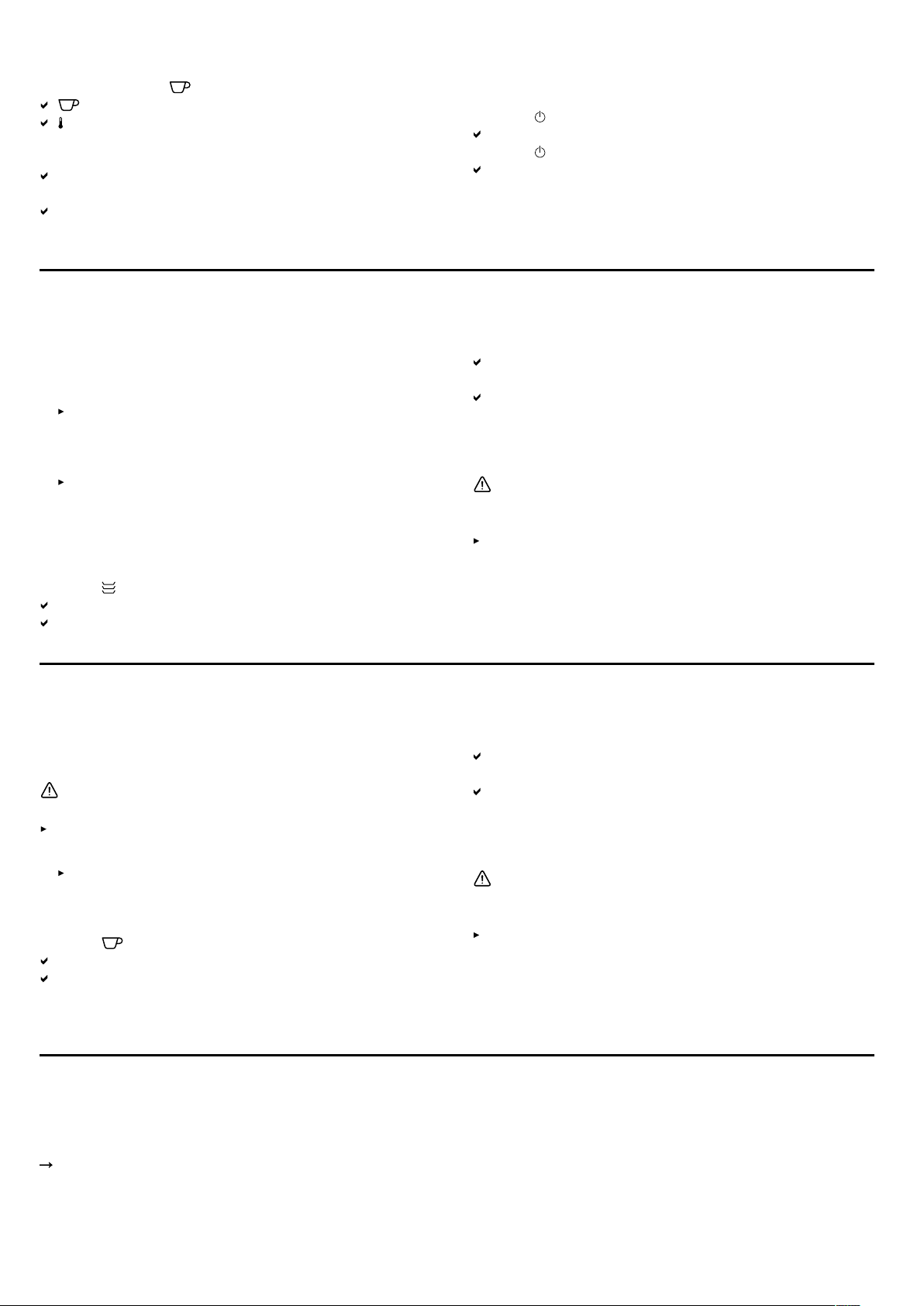
Pre-heating cookware8 Pre-heating cookware
Food remains warm for longer in preheated cookware.
8.1 Starting the "Preheat cookware" function
1.
Place the cookware in the appliance.
To guarantee that hot air can circulate efficiently,
ensure that no tall items of cookware or stacks of
plates are blocking the ventilation slots on the rear
panel of the appliance.
Distribute the cookware across the entire bottom of
the appliance to reduce the preheating time.
The preheating time depends on the material, thick-
ness, quantity and distribution of the cookware. For
place settings for 6people, the preheating time is ap-
prox.30-40minutes.
2.
Press .
The default temperature lights up in colour.
The available temperatures light up.
3.
If required, select another temperature.
4.
Close the appliance.
The operation indicator flashes while the appliance is
preheating.
The operation indicator lights up, the appliance heats
up and the fan runs.
8.2 Ending the "Preheat cookware" function
WARNING‒Risk of burns!
The accessories and cookware become very hot during
operation.
Always use oven gloves when removing hot ac-
cessories or cookware from the appliance.
1.
Open the appliance.
2.
Switch off the appliance.
3.
Remove the cookware.
Preheat cups9 Preheat cups
Drinks remain warm for longer in preheated cups.
9.1 Starting the "Preheat cups" function
WARNING‒Risk of burns!
There is a risk of burns if the temperatures are too high.
Always set temperatures below 60°C for cups.
1.
Place the cups in the appliance.
Distribute the cups across the entire bottom of the
appliance to reduce the preheating time.
The preheating time depends on the material, thick-
ness, quantity and distribution of the cups.
2.
Press .
The default temperature lights up in colour.
The available temperatures light up.
3.
If required, select another temperature.
4.
Close the appliance.
The operation indicator flashes while the appliance is
preheating.
The operation indicator lights up, the appliance heats
up and the fan runs.
9.2 Ending the "Preheat cups" function
WARNING‒Risk of burns!
The accessories and cookware become very hot during
operation.
Always use oven gloves when removing hot ac-
cessories or cookware from the appliance.
1.
Open the appliance.
2.
Switch off the appliance.
3.
Remove the cups.
Keep food warm10 Keep food warm
You can use the appliance to keep food warm for a cer-
tain period of time.
Note the recommended settings.
"Recommended settings for keeping food warm",
Page9
10.1 Starting the "Keep food warm" function
1.
To prevent spillage, do not completely fill the cook-
ware.
2.
Cover the food with heat-resistant cling film, alu-
minium foil or a heat-resistant cover.
3.
Place the cookware in the appliance.
7



Delta i konversationen om denna produkt
Här kan du dela vad du tycker om Gaggenau GW453120 Värmelådan. Om du har en fråga, läs först noggrant igenom manualen. Att begära en manual kan göras genom att använda vårt kontaktformulär.