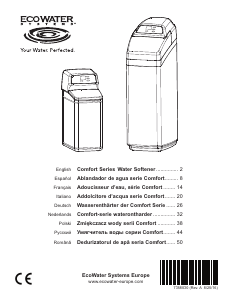
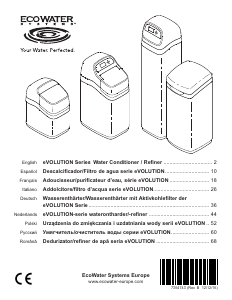
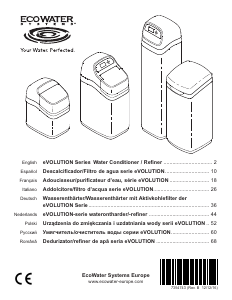
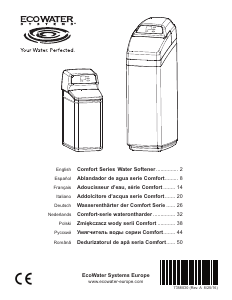
Bruksanvisning EcoWater eVOLUTION Boost 300 Vattenrenare

Behöver du en bruksanvisning för din EcoWater eVOLUTION Boost 300 Vattenrenare? Nedan kan du se och ladda ner PDF-bruksanvisningen gratis på svenska. Den här produkten har för närvarande 1 vanliga frågor, 0 kommentarer och har 1 röst med ett genomsnittligt produktbetyg på 100/100. Om det här inte är bruksanvisningen du vill ha, vänligen kontakta oss.

Är produkten defekt och erbjuder bruksanvisningen ingen lösning? Gå till ett Repair Café för gratis reparationstjänster.

Bruksanvisning

Loading…
5
Conditioner/Refiner Programming
ECOWATER
S Y S T E M S
English
g. The softener display
should change to
“Connected” and give
y
ou a key code.
h
. Write down the key
code. You need it to
register your system on the Eco Water web site.
NOTE: If the “Connected” message shows “- - - - - -”
(dashes) instead of a key code, your router may
not be connected to the internet. Verify that the
router’s internet connection works with your
laptop or other device.
i. On your laptop, tablet or phone, go back to the view
of networks in range, and make sure that your
device is connected back to your local network.
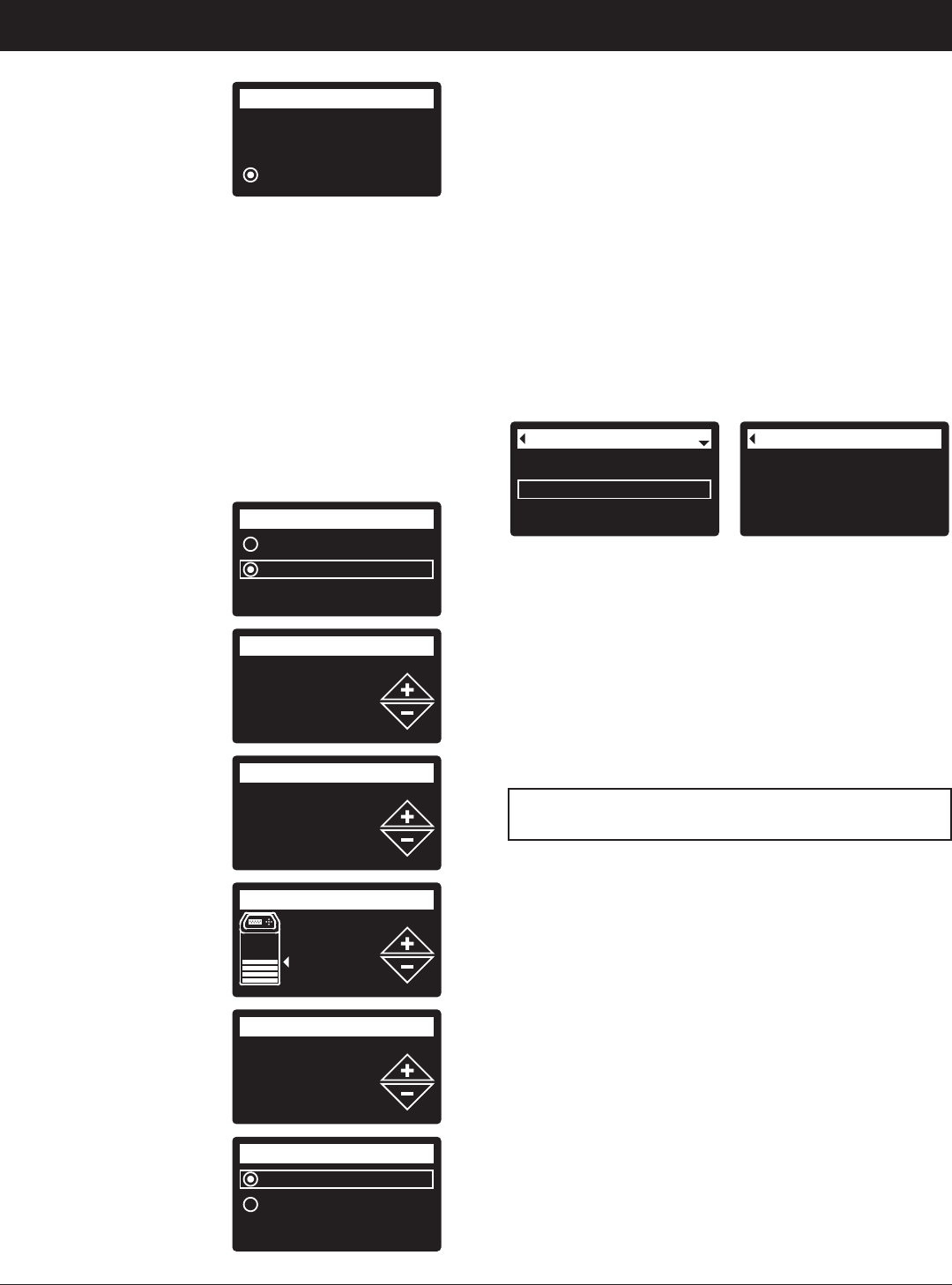
5. FINISH SETTING UP THE SOFTENER Once you
have connected Wi-Fi and written down your key
code, press SELECT (¡) to continue setup.
6. SYSTEM UNITS Press
SELECT (¡) for metric
or use the UP (5) button
to go to English units
and press SELECT (¡).
7. CURRENT TIME Press
the DOWN (6) or UP
(5) buttons to set the
current time. Hold button
to go faster.
8. HARDNESS Press the
UP (5) or DOWN (6)
buttons to set the value
of your water’s hardness.
9. SALT LEVEL (only on
2-Tank units without a
salt level sensor) Press
the UP (5) or DOWN
(6) buttons to set the
salt level to match the
lowest number visible on
the brinewell above the
salt.
10. IRON LEVEL Press the
UP (5) or DOWN (6)
buttons to set the value
for iron in your water.
11. When “Setup
complete!” appears,
press SELECT (¡) and
the unit begins normal
operation.
Connected!
Key:
abc123
Wireless setup
C
ontinue
English
Metric
System units
18:45
Current time
430 PPM
Hardness
Salt level
4
0.0 PPM
Iron level
Run system
Redo setup
Setup complete!
REGISTER YOUR SYSTEM
1. In your internet browser, type in this URL:
http://wifi.ecowater.com
2. If you are a dealer, and have an account, log in to
your account. If you are a customer, you will need to
create a new account.
3. Follow the screens on the website. You will need to
enter the key code that you wrote down earlier. If
you wait too long before registering, the code may
change. This is a security feature. Look up the new
key code, as described in the following note.
NOTE: You can look up the current key code on your
softener’s controller by going down to the
System information menu and selecting
Wireless information.
Wireless information
DSN: AC000W000009876
Key:
abc123
Model information
Wireless information
Water available
System information
VISITING YOUR CUSTOMER ACCOUNT
Any time after your customer account has been created
and system registered, you can visit your account to
see your softener “dashboard”, change settings, etc.
Direct your browser to http://wifi.ecowater.com and
log in using the e-mail and password that were
specified when setting up the account.
HOW TO SHARE A SYSTEM BETWEEN A
DEALER AND CUSTOMER
NOTE: A system can only be shared from a
customer’s account, not a dealer’s.
Systems can be “shared” between a dealer and
customer. If a system is shared, the dealer has full
access to the displays and settings for that system on
the EcoWater Wi-Fi web site. If a system is not shared,
the dealer only has access to the “Manage Dealer
Alerts” screen for that system.
Once a customer account has been created by a
dealer, a customer can grant access to the dealer who
sold that system.
With permission, a dealer could also grant it for the
customer. To do so, a dealer must log in as a customer
rather than as a dealer, using the customer’s e-mail and
password entered when the account was created.
1. Go to http://wifi.ecowater.com and log in
(customer’s e-mail and password, not dealer’s).
2. Click on the “Support” tab along the top of the
customer Home page.
3. On the Support screen, click the “Allow” button. It
should change to read “Deny”.
4. The system is now shared.
Ladda ner bruksanvisning i Engelska (PDF, 6.1 MB)
(Tänk på miljön och skriv endast ut denna bruksanvisning om det verkligen är nödvändigt)

Loading…

Betyg

Berätta vad du tycker om EcoWater eVOLUTION Boost 300 Vattenrenare genom att betygsätta den. Vill du dela med dig av dina åsikter om denna produkt eller ställa en fråga? Lämna en kommentar nederst på sidan.
Är du nöjd med EcoWater eVOLUTION Boost 300 Vattenrenare?
Ja Nej
100%
0%
1 röst

Delta i konversationen om denna produkt

Här kan du dela vad du tycker om EcoWater eVOLUTION Boost 300 Vattenrenare. Om du har en fråga, läs först noggrant igenom manualen. Att begära en manual kan göras genom att använda vårt kontaktformulär.

Mer om denna bruksanvisning

Vi förstår att det är trevligt att ha en pappersbruksanvisning för din EcoWater eVOLUTION Boost 300 Vattenrenare. Du kan alltid ladda ner bruksanvisningen från vår hemsida och skriva ut den själv. Om du vill ha en originalbruksanvisning rekommenderar vi att du kontaktar EcoWater. De kanske kan tillhandahålla en originalbruksanvisning. Letar du efter bruksanvisningen för din EcoWater eVOLUTION Boost 300 Vattenrenare på ett annat språk? Välj ditt föredragna språk på vår hemsida och sök efter modellnumret för att se om vi har det tillgängligt.

Specifikationer

Märke EcoWater
Modell eVOLUTION Boost 300
Kategori Vattenrenare
Filtyp PDF
Filstorlek 6.1 MB

Alla bruksanvisningar för EcoWater Vattenrenare
Fler bruksanvisningar för Vattenrenare

Vanliga frågor om EcoWater eVOLUTION Boost 300 Vattenrenare

Vårt supportteam söker efter användbar produktinformation och svar på vanliga frågor. Om du hittar en felaktighet bland våra vanliga frågor uppskattar vi om du meddelar oss detta via vårt kontaktformulär.

Vilken typ av ämnen tar en vattenrenare bort från vattnet? Verifierad

Detta beror på märket och modellen för vattenrenaren. I allmänhet arbetar vattenrenare med en process som kallas "omvänd osmos" (RO). Detta filtrerar även mycket små partiklar från vattnet. Mineraler kommer också att tas bort från vattnet. Vattenrenare kan också fungera med UV-ljus. Dessa vattenrenare fokuserar främst på att döda mikroorganismer.

Detta hjälpte (14) Läs mer
Bruksanvisning EcoWater eVOLUTION Boost 300 Vattenrenare

Relaterade produkter

Relaterade kategorier

×
Download